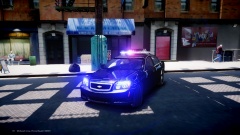
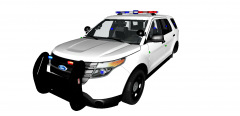
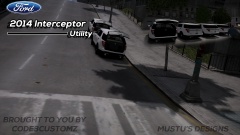
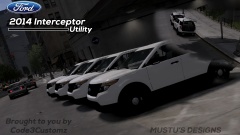
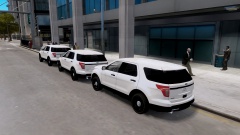
Testing the Cabinets Share https://www.lcpdfr.com/gallery/image/32347-testing-the-cabinets/ Share on Facebook Share on X {lang="reddit_text" More sharing options... Followers More cars have arrived! They are now ready to be outfitted after the 3 previous ones are out of the shop. Going through an inspection. The LCSD/LCPD engineering staff seem to be very interested in the complimentary cabinets... Brought to you by Code3Customz


![[WIP] LCSO Caprice](http://s3-gallery.int-cdn.lcpdfrusercontent.com/gallery/album_2409/sml_gallery_56737_2409_323297.png)


Recommended Comments
Join the conversation
You can post now and register later. If you have an account, sign in now to post with your account.