


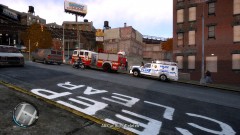
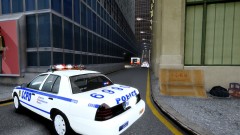
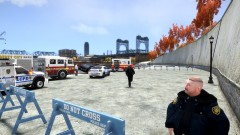
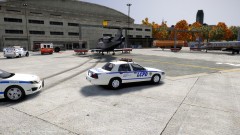
Drunk Driving these days....

By ItsMarcheh
- 1,133 views
- View ItsMarcheh's images
Weasel News report
Today at 11:43am, Drivers were shocked to see a vehicle drive into a fence and the driver take off. Mr W. Foster contacted LCPD reporting that a car just drove into a fence and the driver got out, shot a gun round into the air then took off losing balance and failing to stay at the scene. Officer A. West, the first officer to get on scene told us this today. "The LCPD have found no evidence of a gunshot round being fired into the air and due to that Mr Foster has been taking into custody to be questioned." The LCPD Forensic unit will arrive shortly to search for clues to find out who this "Drunk" driver is. We'll have more on the story tonight at 10.
Recommended Comments
Join the conversation
You can post now and register later. If you have an account, sign in now to post with your account.