Skip to content
View in the app

A better way to browse. Learn more.

LCPDFR.com

A full-screen app on your home screen with push notifications, badges and more.

To install this app on iOS and iPadOS
  1. Tap the Share icon in Safari
  2. Scroll the menu and tap Add to Home Screen.
  3. Tap Add in the top-right corner.
To install this app on Android
  1. Tap the 3-dot menu (⋮) in the top-right corner of the browser.
  2. Tap Add to Home screen or Install app.
  3. Confirm by tapping Install.

Injured person on private plane.

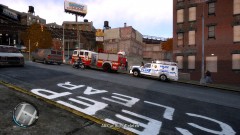
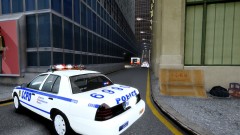
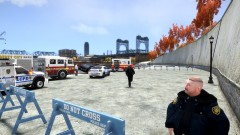
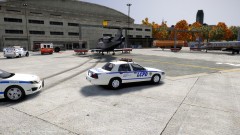
Today at 5:33pm the LCPD recived a call from the FIA to report that a plane had just touched down carrying someone who had a heart attack mid flight. When LCPD arrived on scene along with FDLC paramedics, They discovered that the injured person was on a FIA Terrorist watch list. LCPD Called for ESU in case of an up rise on the scene. The Pilot and passengers were taken to Broker PD for questioning while the injured person was transported to Schottler Medical Center for treatment.

  • From the album:

    Scene Setups

    · 4 images

    Account

    Navigation

    Search

    Search

    Configure browser push notifications

    Chrome (Android)
    1. Tap the lock icon next to the address bar.
    2. Tap Permissions → Notifications.
    3. Adjust your preference.
    Chrome (Desktop)
    1. Click the padlock icon in the address bar.
    2. Select Site settings.
    3. Find Notifications and adjust your preference.