



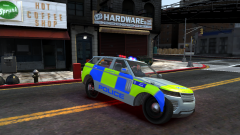
2010 Ford Taurus Police Interceptor Demonstration Vehicle (Non-ELS)

By Khanage
- 2,579 views
- View Khanage's images
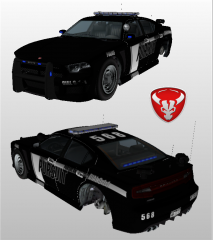
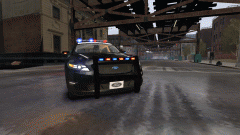
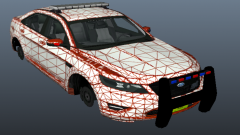
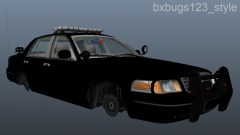
Probably the first Non-ELS christmas tree! It's been in the works a while now and so far so good, in fact I'd say it's ready for a release. I just need to take some screens now... if anyone's up to the task please PM me! (I'll be logging off after uploading this image so don't expect a quick reply). All in all, it has 12 lights, but there are a bunch hidden in the lightbar I can't see using OpenIV. It has lights on the rambar, side mirrors and two Non-ELS Whelen Talons behind the rear windshield. The model is low-poly, meaning that the interior is comparable to Minecraft and contains no extra police equipment. I may make a high poly version if I feel like it.
Recommended Comments
Join the conversation
You can post now and register later. If you have an account, sign in now to post with your account.