


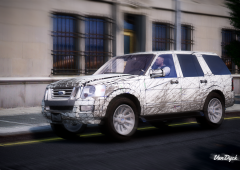
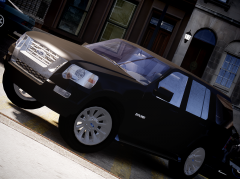
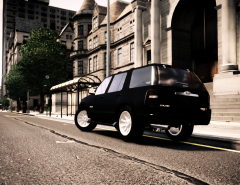
![[WIP] 2008 Ford Explorer](http://s3-gallery.int-cdn.lcpdfrusercontent.com/gallery/album_2619/sml_gallery_928_2619_92966.png)
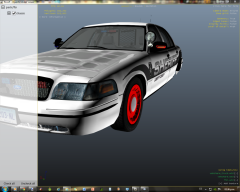
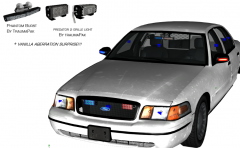
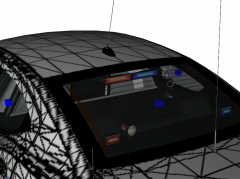
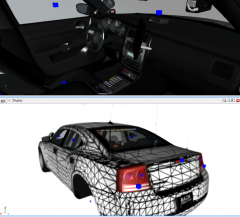
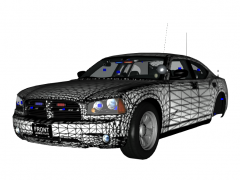
Rim mapped!!!!!!!

- 917 views
- View Sheriff Van Dyck's images
Hell yes!! I finally mapped the rim, now it can have the texture you want in it.
Is ready to be released into a pack with another vehicle...
Just gonna check the credits and prepare some screenshots
Thanks to SharpCommand for the Spotlight ideas and to NickieB and GreenAid for the mapping idea.}
Note that the red color is just a sample on the screenshot, gonna add an special texture for the rim.
Not a big deal but it will do the job.
Recommended Comments
Join the conversation
You can post now and register later. If you have an account, sign in now to post with your account.