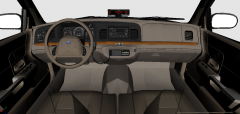
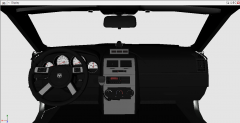
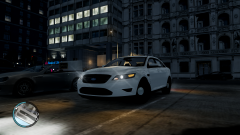
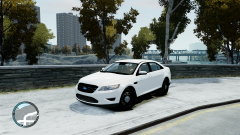
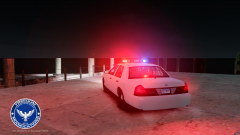
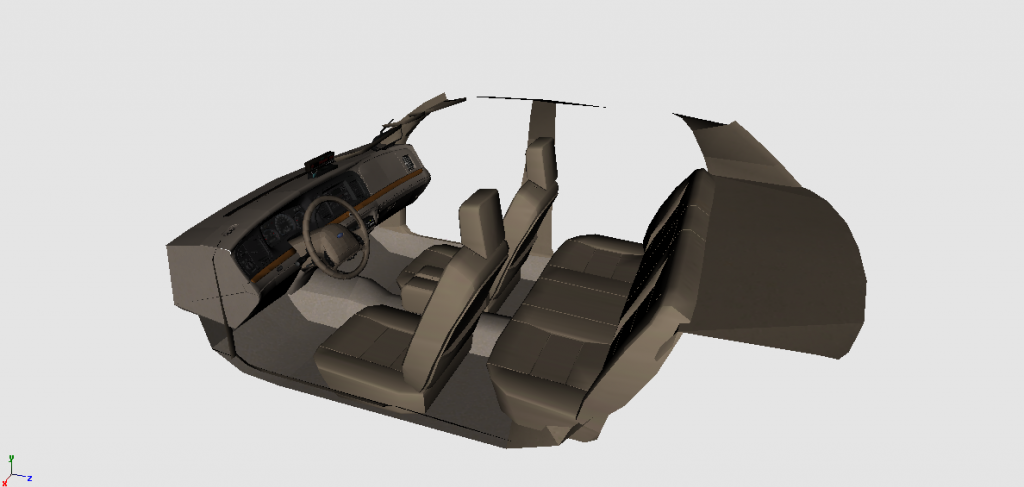
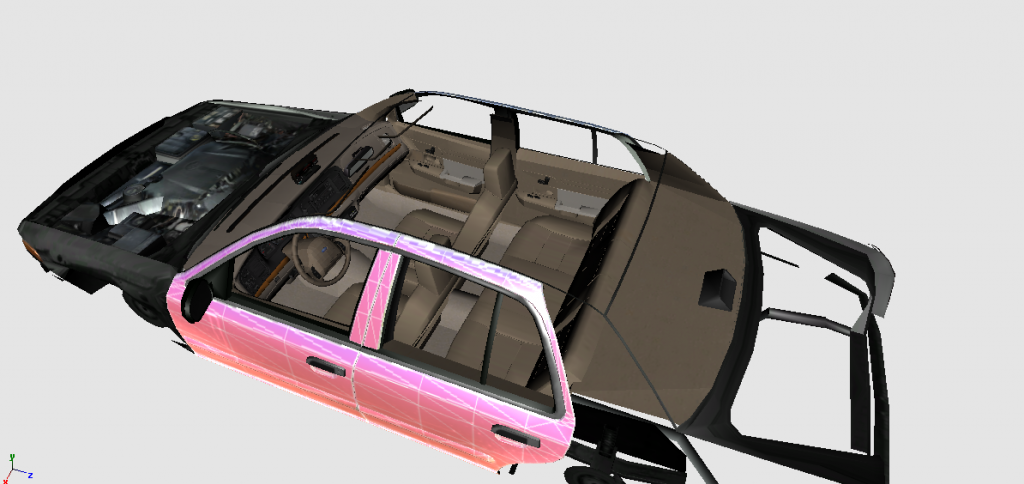
Full 3D Interior for DSF Crown Vic. Share https://www.lcpdfr.com/gallery/image/27982-full-3d-interior-for-dsf-crown-vic/ Share on Facebook Share on X {lang="reddit_text" More sharing options... Followers Original Interior, Textures by: UBISOFT Reflections, converted to IV by Sameer. Seats by: Schaefft, Converted to IV by Sameer. Coming Soon. Also coming with this will be DSF Charger with Full 3D Interior that i has been sitting in my PC for months.
CG Blaze Members January 31, 201412 yr Author stats SOLID man, real nice! Interesting that despite being a more recent CV model, the developers chose to use the 98-02 interior. Hmmm.
GreenAid Members January 31, 201412 yr Author stats SOLID man, real nice! Interesting that despite being a more recent CV model, the developers chose to use the 98-02 interior. Hmmm. :) Cos there are no 2011 around I think.
Sameer Members August 28, 201411 yr Author stats Is there a link for it? Here i used it in this model: '?do=embed' frameborder='0' data-embedContent>> There is no unlocked version available atm.


![[DSF] Charger SRT8 and Crown Vic with 3D Interiors....](http://s3-gallery.int-cdn.lcpdfrusercontent.com/gallery/album_1575/sml_gallery_20324_1575_876186.png)
![[Ingame/WIP] 3D Interior for DSF CVPI.](http://s3-gallery.int-cdn.lcpdfrusercontent.com/gallery/album_1575/sml_gallery_20324_1575_546478.png)

Recommended Comments
Join the conversation
You can post now and register later. If you have an account, sign in now to post with your account.