Skip to content
View in the app

A better way to browse. Learn more.

LCPDFR.com

A full-screen app on your home screen with push notifications, badges and more.

To install this app on iOS and iPadOS
  1. Tap the Share icon in Safari
  2. Scroll the menu and tap Add to Home Screen.
  3. Tap Add in the top-right corner.
To install this app on Android
  1. Tap the 3-dot menu (⋮) in the top-right corner of the browser.
  2. Tap Add to Home screen or Install app.
  3. Confirm by tapping Install.

Chain Reaction

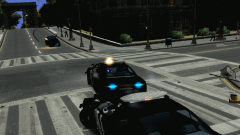
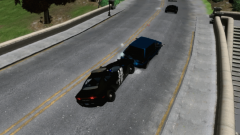
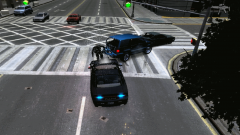
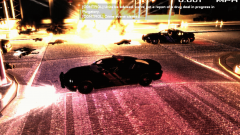
Authorities have closed down one of the intersections on Union Drive to due to a massive explosion of several vehicles. The LCPD was in hot pursuit of a vehicle failing to pull over, He then came speeding down the roadway and crashed into another vehicle. Suspects vehicle then caught fire causing it to explode along with several other cars, Multiple people and officers were killed. The intersection will remain closed through the course of the investigation we'll bring more on this tragic incident.

  • From the album:

    LCPDFR 1.0 Action!

    · 49 images

    Account

    Navigation

    Search

    Search

    Configure browser push notifications

    Chrome (Android)
    1. Tap the lock icon next to the address bar.
    2. Tap Permissions → Notifications.
    3. Adjust your preference.
    Chrome (Desktop)
    1. Click the padlock icon in the address bar.
    2. Select Site settings.
    3. Find Notifications and adjust your preference.