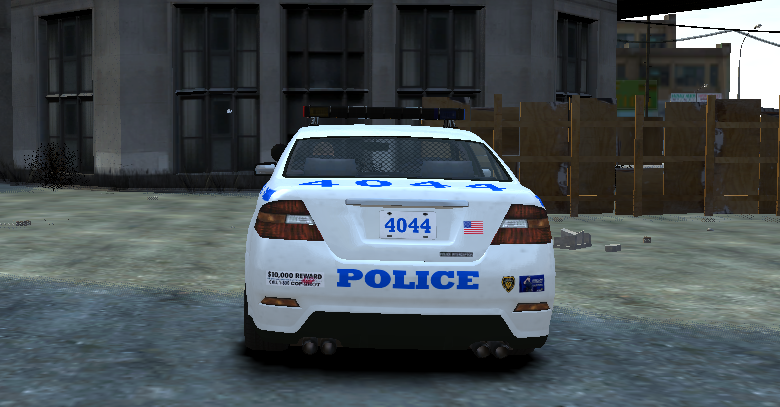
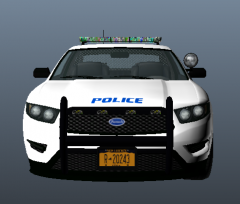
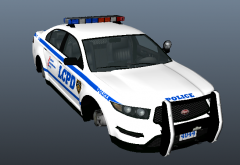
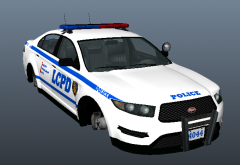
Vapid Interceptor with Whelen Edge + Go Rhino Rambar Share https://www.lcpdfr.com/gallery/image/27651-vapid-interceptor-with-whelen-edge-go-rhino-rambar/ Share on Facebook Share on X {lang="reddit_text" More sharing options... Followers So I decided to take this thing out for a spin, and yet another bug has arisen. This time, the lightbar appears extremely dark when seen from the rear. Development will continue tomorrow, 26th January 2014 for all you future people out there.
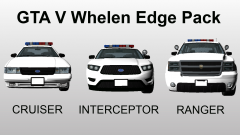
Khanage Members January 26, 201412 yr Author stats I love you. lol you mean you actually like this thing? Well, Ive scrapped this because of too many bugs, caused by the rambar. I might release it without the rambar if theres any demand for it. In the meantime, ill swap out the whelen and rambar for the original GTA V police kit, resulting in a fully uv-mapped original gta v police vehicle. ill release them in a pack. Gee its hard to type on a phone





Recommended Comments
Join the conversation
You can post now and register later. If you have an account, sign in now to post with your account.