Skip to content
View in the app

A better way to browse. Learn more.

LCPDFR.com

A full-screen app on your home screen with push notifications, badges and more.

To install this app on iOS and iPadOS
  1. Tap the Share icon in Safari
  2. Scroll the menu and tap Add to Home Screen.
  3. Tap Add in the top-right corner.
To install this app on Android
  1. Tap the 3-dot menu (⋮) in the top-right corner of the browser.
  2. Tap Add to Home screen or Install app.
  3. Confirm by tapping Install.

EFLC 2013 12 12 12 08 47 744

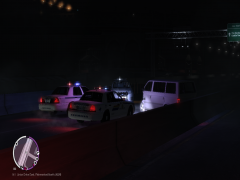
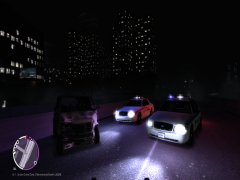
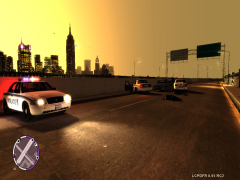
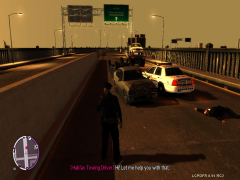
RCMP & Halifax Regional Police at the scene of a fatal crash that claimed the lives of 5 people, 2 being RCMP/ HRP Traffic Services members, Police are urging citizens to slow down & give yourself extra time to get to your destination safely, the highway will be closed until the RCMP have finished their investigation into the crash, alcohol has been considered a factor in the crash.

  • From the album:

    A day in the life....

    · 76 images

    Account

    Navigation

    Search

    Search

    Configure browser push notifications

    Chrome (Android)
    1. Tap the lock icon next to the address bar.
    2. Tap Permissions → Notifications.
    3. Adjust your preference.
    Chrome (Desktop)
    1. Click the padlock icon in the address bar.
    2. Select Site settings.
    3. Find Notifications and adjust your preference.