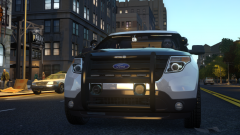
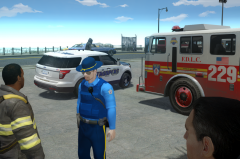
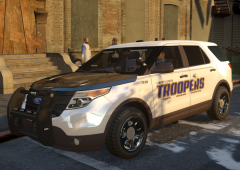
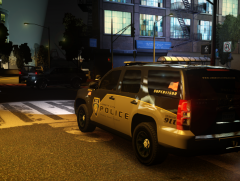
Liberty City Police and Liberty State Troopers respond to shoot out call. Share https://www.lcpdfr.com/gallery/image/21542-liberty-city-police-and-liberty-state-troopers-respond-to-shoot-out-call/ Share on Facebook Share on X {lang="reddit_text" More sharing options... Followers Wrapping up a very big shoot out with police and a local bike gang. No police casualties were taken during the gun fight though several bike members were pronounced dead following the incident.





Recommended Comments
Join the conversation
You can post now and register later. If you have an account, sign in now to post with your account.