


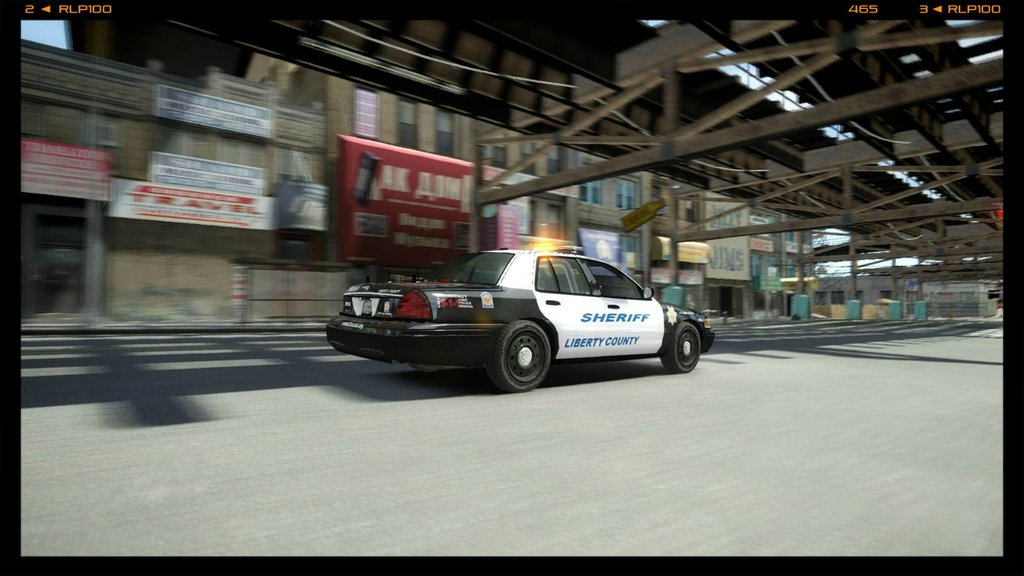
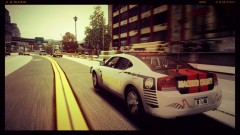
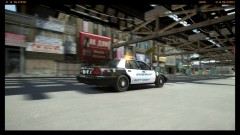
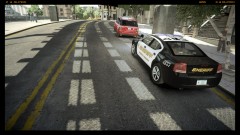
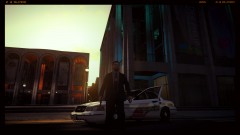
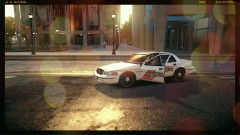
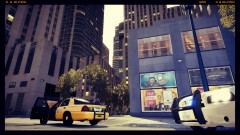
''DISPATCH:: Domestic Dispute In Progress!''.
.thumb.png.ecf43c03aae99a7abd3f5a0d930d62f9.png)
- 738 views
- View InnermostZero's images
Dispatch:: ''I need two Units available for Domestic dispute, caller states it's between a couple male and female only verbal at this minute. Location is at 23 Shineook Ave.''
Unit 556:: ''Show us 2 minutes out and we are heading into heavy Traffic.''
Dispatch:: ''10-4 I will start another vehicle there too in case of late arrival.''
Unit 556:: ''Copy that'' *SIREN YELP IN BACKROUND*.
Dispatch:: ''Unit 556 update.''
Unit 556:: ''Go ahead for 556.''
Dispatch:: ''Got a call back from a witness who is witnessing it this dispute ,just turned physical she hit him first. Now he is restraining her on the floor and shouting.''
Unit 556:: ''Yea! We copy that!!'' *AIR-HORN BLARING IN BACKROUND*
Recommended Comments
Join the conversation
You can post now and register later. If you have an account, sign in now to post with your account.