Due to overzealous filtering on Microsoft’s side, some emails to Outlook and Hotmail addresses may not be delivered. If you’re affected, please use a different email address or try again later.
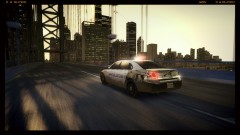
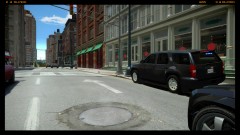
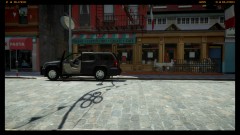
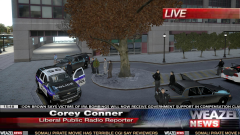
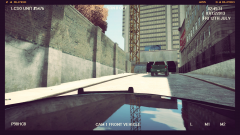
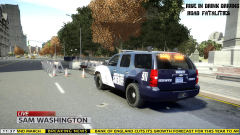
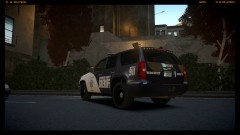
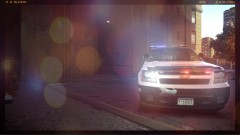
A unit here in Liberty City has just rolled up on a BOLO (Be-On-the-Look-Out) vehicle used for a hit an run has been dumped and the suspects fled. A full investigation is being launched to get descriptions of the males/females.



.thumb.png.ecf43c03aae99a7abd3f5a0d930d62f9.png)
Recommended Comments
Join the conversation
You can post now and register later. If you have an account, sign in now to post with your account.