


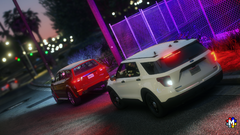
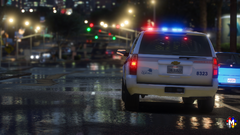
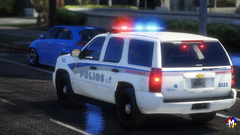
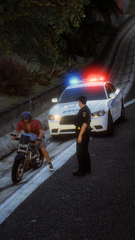
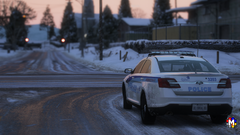
SPVQ 14 FPIS

- 296 views
- View TheRumblerDev's images
Credit
**Police de Québec**
*2014 Ford FPIS (vq14fpis)*
V.1.0 by Jay
VEHICLE
Vehicle base by GeorgieMoon
Liveries/reflective by Jay
Metas & by GeorgieMoon & by Jay
Handling by MSGT. Parent
EXTERIOR
FedSig Arjent by S2
FPIS RFR Ion mount by KLE0
Whelen Ion by CEO
Whelen M2 LH bracket by Jay LOOOL!
Whelen M2 LH by OfficerFive0
ES100C speaker by Joshua Tanner
Motorola HAF4017A Antenna by Kle0
LTE Antenna by Georgiemoon
SAAQ sticker by MSGT. Parent
INTERIOR
Whelen Ion by 0taku
Havis console + computer support by Brendo
Panasonic TB CF-33 laptop by Raz3r
Motorola APX 6500 radio by Dan with da Van
Brotherjetprinter by Recon
Ztep 102 (Ztep 103 by LeGeorgettier) mod by Jay
Setina RP partition by Jophics
BOOT
Stop Stick + Mounting Tray by Barsotti
Police tape & bag modeled Billy Johnson, textured by Billy Johnson & MSGT. Parent
Fire extinguisher by Markthedev
Cones & Flares by Billy Johnson
Recommended Comments
Join the conversation
You can post now and register later. If you have an account, sign in now to post with your account.