





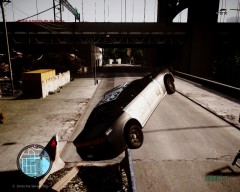
Escorting a LCPD officer #2

By CrossFire
- 722 views
- View CrossFire's images
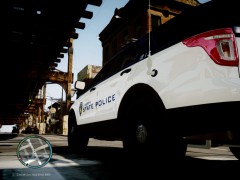
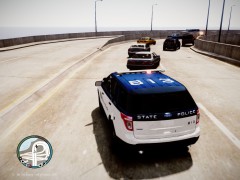
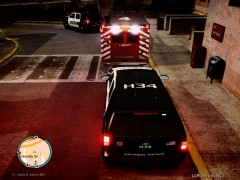
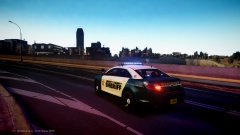
At 12:20 PM, LCPD dispatch got a shots fired call, at 12:30 LCPD officer Jerry Tracey arrived on-scene to find multiple men armed with 9mm Glock Handguns, when Officer Tracey went to his cruiser to get a standard-issued M4A1 Assault Rifle, one of the armed men came behind him and shot him in the back two times, another officer on-scene called LC Paramedics, and they carried him to the hospital, but on the way, medic Blake Woods noticed there was a black Cadillac Escalade following them, he called dispatch and dispatch sent four officers (Two in each car) to escort Officer Tracey safely to Schottler Medical Center. When the Escalade saw the officers, they moved away. But the officers still escorted them all the way to Schottler Medical Center.
Recommended Comments
Join the conversation
You can post now and register later. If you have an account, sign in now to post with your account.