


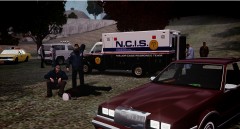

![NYC EMS Paramedics [WIP]](http://s3-gallery.int-cdn.lcpdfrusercontent.com/gallery/album_338/sml_gallery_14186_338_360676.jpg)
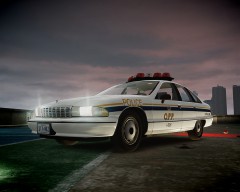

Army chopper shot down in Maryland!

By strike
- 1,881 views
- View strike's images
24/4/1984
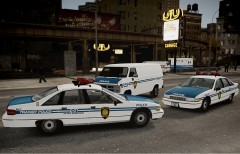
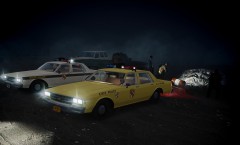
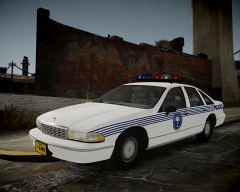
This dawn, a US Army UH-1 helicopter with 5 person onboard disappeared when flying in a routinary flight over the forests of Maryland. The few witness reported to have seen a fireball in the sky, between the fog, followed by a loud noise. Immediately after the first reports, which suggested to be a civil aircraft, two units of the Maryland State Police, a regular cruiser and a K-9 unit were dispached. This confusing situation changed when the MSPD units came across with military personnel driving CUCVs and searching along the lakeside and tracks around the forest.
25/4/1984
After the yesterday incident, the only survivor of the crash, a 29 year old soldier, made some controversial statements about a possible 6th passenger who "couldn't stop speaking about bowling". The government strictly denied these statements, claiming they were consequence of the shock. Instead, the control over the press has been oddly intensified repecting the incident.
26/4/1984
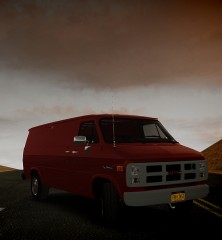
This is the picture that Bob Moron (a fictional nickname, for safety reasons) took the night of the incident, while he was camping with his wife and three kids in the forest. The picture shows an unknown man shooting down the US Army UH-1 helicopter, from the roof of their wagon. The family fled scared the place, and stayed hidden in the woods until a MSPD patrol found them, two days after the incident.

Recommended Comments
Join the conversation
You can post now and register later. If you have an account, sign in now to post with your account.