




Pursuit Near Turned Deadly

By CouthInk4
- 481 views
- View CouthInk4's images
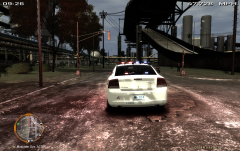
At 6:40 AM. Officer Graham was returning back to the station when he noticed a person sitting in a vehcile doing nothing. Officer Graham turned his car around, parked up behind him and got out. After going to the drivers window the suspect took off in a pursuit. After running back to his vehcile he notified dispatch about the current pursuit.
After turning the corner a Toyota Prius was turning the corner and the bus was heading straight ahead when the suspect over-took them. Nearly making the pursuit deadly, After heading on the highway the suspect rear-ended another driver and got out to surrender.
Recommended Comments
Join the conversation
You can post now and register later. If you have an account, sign in now to post with your account.