



Well there's your problem!!

By CRAWFORDx96
- 757 views
- View CRAWFORDx96's images
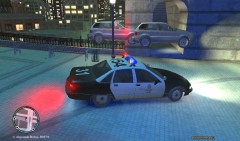
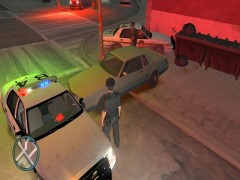
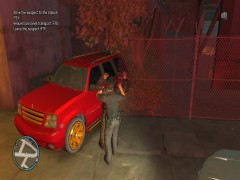
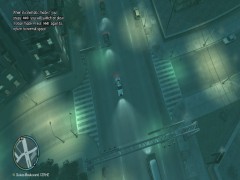
I was on patrol when I got a call about an MVA involving 2 vehicles on near the Algonquian Bridge. With me, Charlie 96 responding and an Ambulance and Fire Engine en route in case of any serious injuries, I rolled upon this scene. I called off the ambulance and fire crew and then drove away. I had no idea what to do so I came back to the scene of the accident and requested City Works and fire crews to help the involved drivers. The Algonquian Bridge was closed for 6 hours as the City Works crew dislodged the vehicles. Both drivers were not seriously injured physically, but their wallets were seriously injured as the drivers were responsible for the damages which was an estimated $1,350,000.
Recommended Comments
Join the conversation
You can post now and register later. If you have an account, sign in now to post with your account.