


20210523030845_1

By bevarnow
- 178 views
- View bevarnow's images
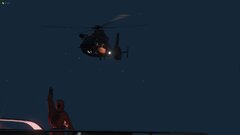
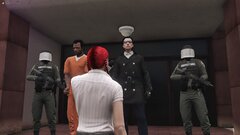
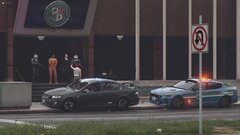
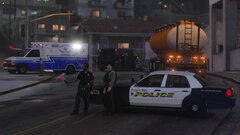
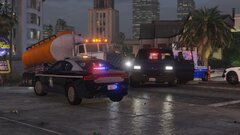
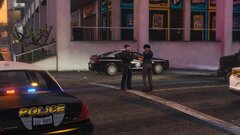
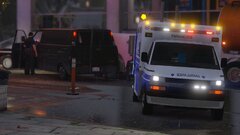
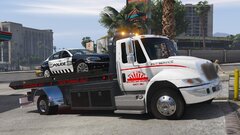
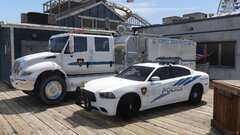
The La Mesa PD Have Acted on their Statement. A Man was Shot and Killed Early this Morning by a Unidentified Officer from the La Mesa Police Department. The Officer was Conducting a Escort of a Truck Hauling Gasoline. Not much is known at this moment but a Rockford Hills Police Spokesperson did comment stating that "While the Investigation is Just Beginning. What is known that the Subject who was shot ad killed had stopped the Driver of the Truck with his Van. The La Mesa PD Officer got out of his vehicle to investigate and he pulled out a concealed weapon. The Officer Sub-Subsequently Opened Fire on the Subject". We reached out to the La Mesa Police Department for a statement and they said, "While a Horrible Tragedy. We stand by our Officer and His Actions protecting the Lives of Truckers and Civilians. We will be working with the Rockford Hills and Los Santos Police Department to Figure Out why this Subject did what he did".
Recommended Comments
Join the conversation
You can post now and register later. If you have an account, sign in now to post with your account.