


A New and Improved ASP Pack

By Hullian111
- 4,072 views
- View Hullian111's images
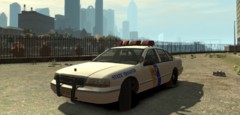
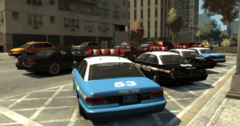
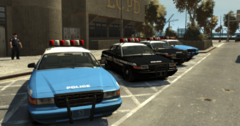
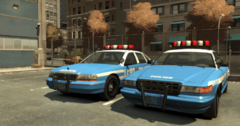
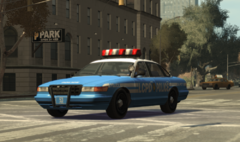
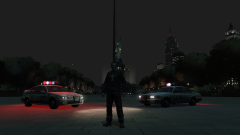
Guess who finally remembered what they were supposed to be doing! Among various reworks that I'll be making includes the state police liveries I put out at the back end of 2018. These will be much more lore-friendly (well, fanon permitting), higher quality, and just generally better. First of all, the ASP liveries will be getting the new treatment, and will be merged into one greater livery pack upon release.
Special thanks to Nee__ (not sure if you have an LCPDFR account) for the logos and inspiration! I know its a bit more bland than last time, but it looks just a bit more true to the game.
Recommended Comments
Join the conversation
You can post now and register later. If you have an account, sign in now to post with your account.