Skip to content
View in the app

A better way to browse. Learn more.

LCPDFR.com

A full-screen app on your home screen with push notifications, badges and more.

To install this app on iOS and iPadOS
  1. Tap the Share icon in Safari
  2. Scroll the menu and tap Add to Home Screen.
  3. Tap Add in the top-right corner.
To install this app on Android
  1. Tap the 3-dot menu (⋮) in the top-right corner of the browser.
  2. Tap Add to Home screen or Install app.
  3. Confirm by tapping Install.

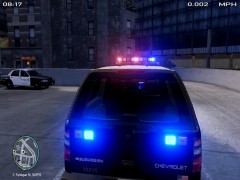
Boston Police Showcase

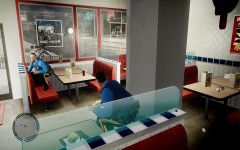
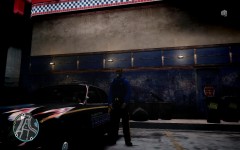
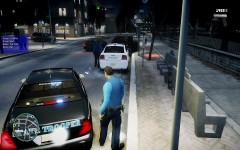
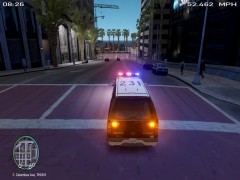
An Officer in the Boston PD attempted to pull over a vehicle without insurance. A pursuit ensued and the driver appeared to surrender.

As the officer attempted to arrest the subject, the subject pulled out a Glock and opened fire. No officers were injured. The suspect was gunned down and pronounced dead on the scene.

(A sneak peak to my very much delayed Boston PD realistic Pack. To be released in a few days.)

  • Account

    Navigation

    Search

    Search

    Configure browser push notifications

    Chrome (Android)
    1. Tap the lock icon next to the address bar.
    2. Tap Permissions → Notifications.
    3. Adjust your preference.
    Chrome (Desktop)
    1. Click the padlock icon in the address bar.
    2. Select Site settings.
    3. Find Notifications and adjust your preference.