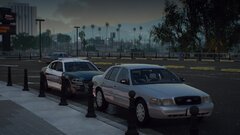
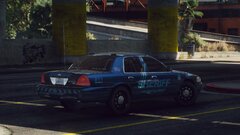
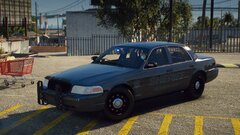
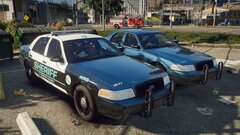
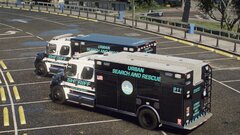
The LSCSO texture mega pack will be released this week! Share https://www.lcpdfr.com/gallery/image/138838-the-lscso-texture-mega-pack-will-be-released-this-week/ Share on Facebook Share on X {lang="reddit_text" More sharing options... Followers Just putting together the pack, all current popular bases will have multiple liveries and older bases will have 1-2 liveries. More can be made at request. All liveries will come in both 2k and 4K.







Recommended Comments
Join the conversation
You can post now and register later. If you have an account, sign in now to post with your account.