


Black and Blue

By Hullian111
- 1,337 views
- View Hullian111's images
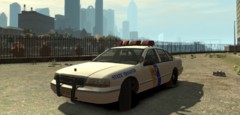
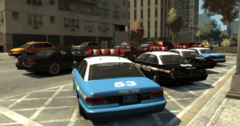
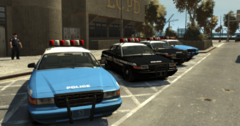
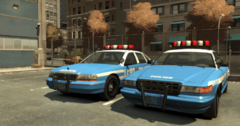
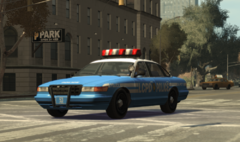
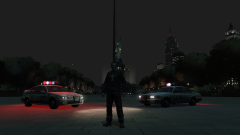
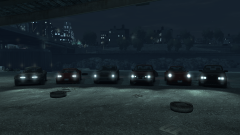
Not only do you get a more authentic copy, you get a choice of two colours! That's right - in my drive to keep this more lore-friendly, I remembered what the GTA: Liberty City Stories police cruiser looked like. And so with that information, I immediately went for a black-and-white version of my livery for those who maybe just want something a little less 1:1 to the real NYPD and something that calls back to mobile games of old. Sure, it's not 1:1 to the LCS version, but the original GTA IV LCPD cars are pretty much 1:1 to the real thing, fonts aside, right?
Recommended Comments
Join the conversation
You can post now and register later. If you have an account, sign in now to post with your account.