
Skip to content
View in the app

A better way to browse. Learn more.

LCPDFR.com

A full-screen app on your home screen with push notifications, badges and more.

To install this app on iOS and iPadOS
  1. Tap the Share icon in Safari
  2. Scroll the menu and tap Add to Home Screen.
  3. Tap Add in the top-right corner.
To install this app on Android
  1. Tap the 3-dot menu (⋮) in the top-right corner of the browser.
  2. Tap Add to Home screen or Install app.
  3. Confirm by tapping Install.

Two Bros

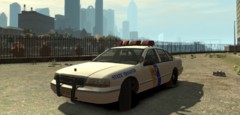
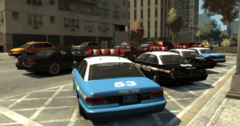
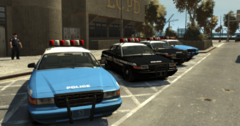
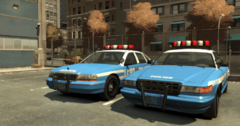
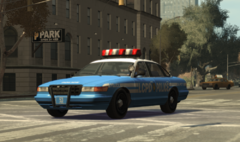
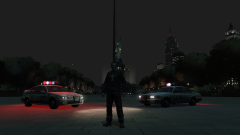
Finally, something to be an effective companion piece to the ThatOneHick LCPD Premier Classic. Okay, so maybe its not 1:1 by livery on the same thing, but... well, it fits alongside it much better. I think that with the headlight crash issue being fixed on Ekalb's Police Cruiser, this should not only be a more befitting alternative, but also stable alternative to the previous one I've had to put up with previously. Coming soon to an LCPDFR download near you!

From the album:

Hullian111's Gratuitous Misadventures

· 66 images

Account

Navigation

Search

Search

Configure browser push notifications

Chrome (Android)
  1. Tap the lock icon next to the address bar.
  2. Tap Permissions → Notifications.
  3. Adjust your preference.
Chrome (Desktop)
  1. Click the padlock icon in the address bar.
  2. Select Site settings.
  3. Find Notifications and adjust your preference.