






West Virginia State Patrol, stoned guys driving Mustangs and the bear

By strike
- 2,621 views
- View strike's images
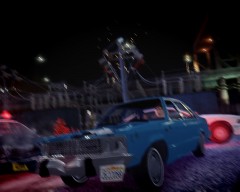
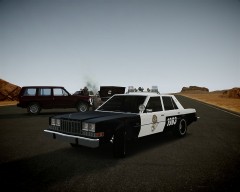
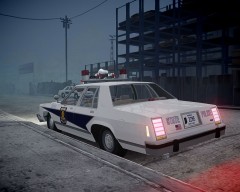
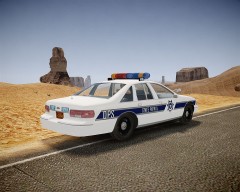
In the picture: the suspects' 1993 Mustang and three WVSP Ford Crown Victorias, empty after the officers started chasing both suspects.
West Virginia, April 1996
Today, at 12:00 AM aproximately, a silver Mustang was stopped by the West Virginia State Police near the boundary with Virginia, due to a "too slow" driving, which could be a treat for other drivers.
When the car stopped in the border of the road and the officer L. Miller approached to the car, the driver, a 17 year old boy, and his friend, 18, stepped out of the car and started running through the forest
and consecuently chased by the troopers. Two more patrol joined the chase, which didn't last so long, both boys fell downslope; the officer arrested the 17 y.o. driver (M.M.H). The other passagenger escaped,
though he tried to fool the officers pretending to be attacked by a bear while he was running through the forest. A K9 unit was sent later to the scene, but didn't find the suspect.
In the car was found a little bag with weed, many empty beer cans and a porn magazine. The arrested was stoned, and so is believed the other suspect was. Both suspects had already been arrested 3 years ago for illegal substance possession.
The WV State Patrol is searching now the other occupant of the car. He has brown short air and stabble, is about 1.70 meters tall and a bit fat. He wears a white sweatshirt and blue jeans. He drives a light grey
'86 Honda Civic.
Recommended Comments
Join the conversation
You can post now and register later. If you have an account, sign in now to post with your account.