

Skip to content
View in the app

A better way to browse. Learn more.

LCPDFR.com

A full-screen app on your home screen with push notifications, badges and more.

To install this app on iOS and iPadOS
  1. Tap the Share icon in Safari
  2. Scroll the menu and tap Add to Home Screen.
  3. Tap Add in the top-right corner.
To install this app on Android
  1. Tap the 3-dot menu (⋮) in the top-right corner of the browser.
  2. Tap Add to Home screen or Install app.
  3. Confirm by tapping Install.

Active Shooter!

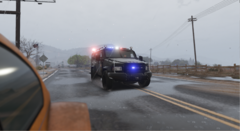
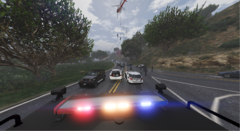
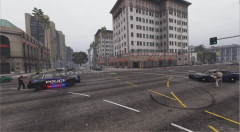
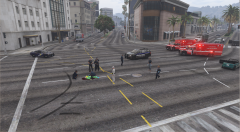
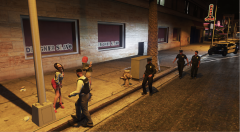
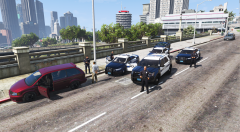
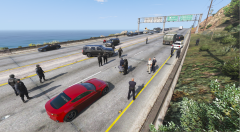
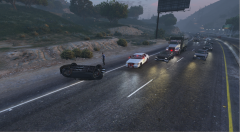
Today we had the unfortunate call of an Active Shooter inside a Federal Courthouse.  Emmediatly most of our Police/F.B..I/D.H.S./A.T.F.-Fire and EMS force was on-scene and the suspect neutralized. 
Later this day, he sucumbed from his injuries. 

Prayers for anyone involved into June, 17 2019 Dallas Shooting

Copyright

© AlexanderK.
  • From the album:

    LSPDFR Gameplay

    · 17 images

    Account

    Navigation

    Search

    Search

    Configure browser push notifications

    Chrome (Android)
    1. Tap the lock icon next to the address bar.
    2. Tap Permissions → Notifications.
    3. Adjust your preference.
    Chrome (Desktop)
    1. Click the padlock icon in the address bar.
    2. Select Site settings.
    3. Find Notifications and adjust your preference.