


Boating Accident Leaves 3 Dead

- 446 views
- View ASTTrprDillon95's images
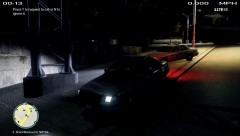
At about 2230hrs today, the AST received all distress call from a boat out at sea. Upon receiving the call, the AST dispatched 3 units to the Jetty for the Troopers to prepare for a rescue operation. Upon arrival of the first unit, the AST dispatch received shocking news that the accident occurred right at the Jetty. The impact of the boat had caused two explosions to occur which led to the death of 3 people. AST Supervisor on Duty, Sgt. Dillon responded to the scene after the Anchorage FD were requested. Upon arrival, Sgt. Dillon Said that the 3 troopers on scene were not able to do anything to save the fatalities as a row of boats on the Jetty were on Fire. An investigation is on going at this point. The AST has cordoned off the Jetty for Public use and will not be opened until further Notice - FOX news
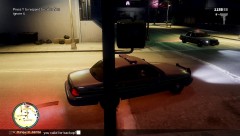
NOTE: the Unmarked AST car you see in this picture is still a WIP and don't ask for the link to the car. it's a WIP (WORK IN PROGRESS).
Recommended Comments
Join the conversation
You can post now and register later. If you have an account, sign in now to post with your account.