Due to overzealous filtering on Microsoft’s side, some emails to Outlook and Hotmail addresses may not be delivered. If you’re affected, please use a different email address or try again later.
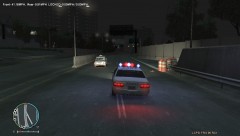
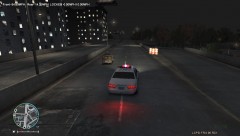
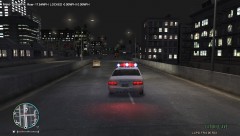
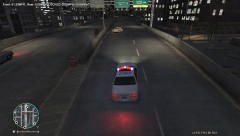
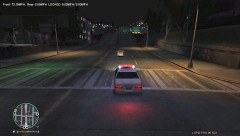
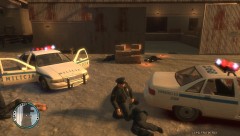
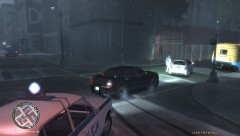
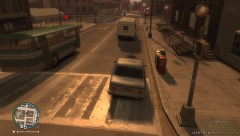
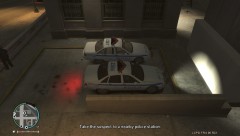
Chased this Fiat126p from the Castle Gardens area. He ran a red light, so I was going to pull him over, and he started speeding off. He is now in Alderney after going on a chased through Union Drive West. So far, my longest chase in LCPDFR!


Recommended Comments
Join the conversation
You can post now and register later. If you have an account, sign in now to post with your account.