Skip to content
View in the app

A better way to browse. Learn more.

LCPDFR.com

A full-screen app on your home screen with push notifications, badges and more.

To install this app on iOS and iPadOS
  1. Tap the Share icon in Safari
  2. Scroll the menu and tap Add to Home Screen.
  3. Tap Add in the top-right corner.
To install this app on Android
  1. Tap the 3-dot menu (⋮) in the top-right corner of the browser.
  2. Tap Add to Home screen or Install app.
  3. Confirm by tapping Install.
Project: Boston, Massachusetts

Project: Boston, Massachusetts

Album created by Cartres · Updated
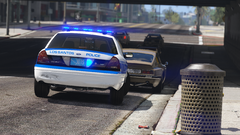
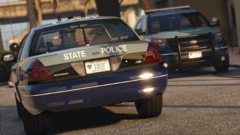
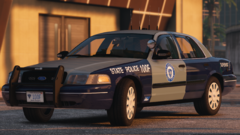
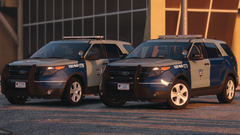
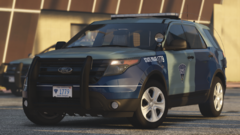
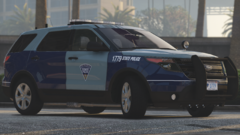
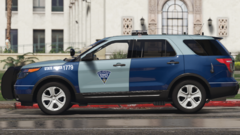
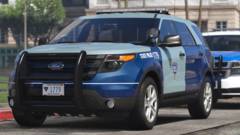
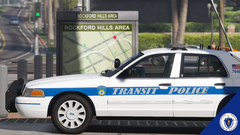
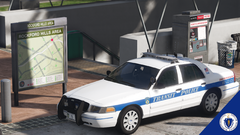
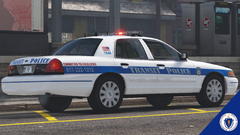
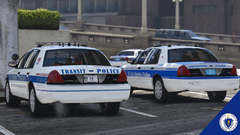
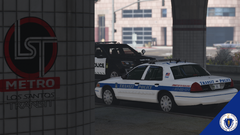
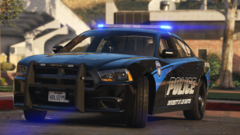
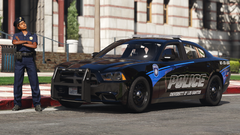
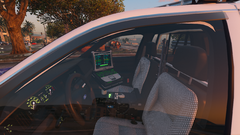
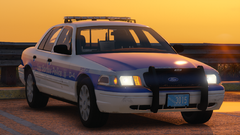
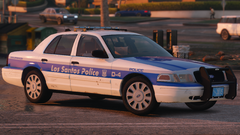
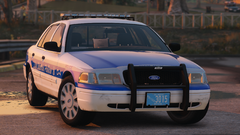
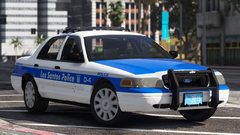
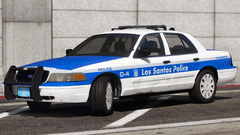
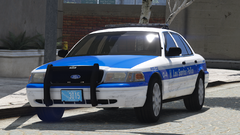
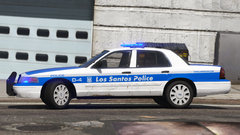
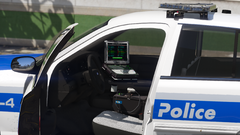
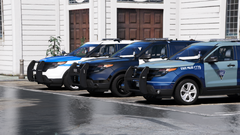
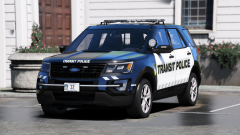
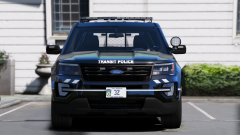
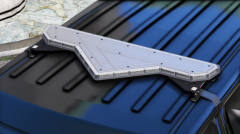
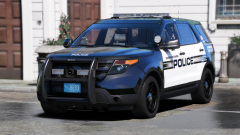
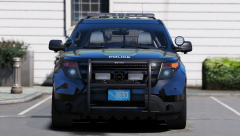
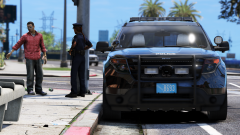
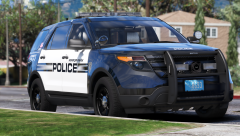
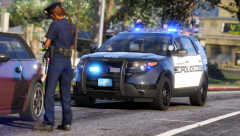
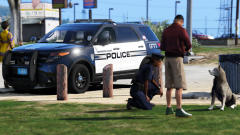
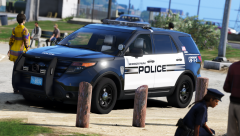
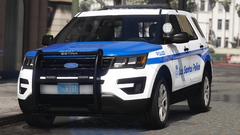
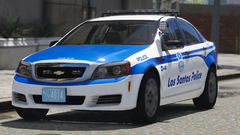
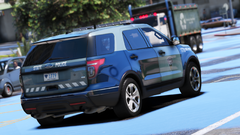
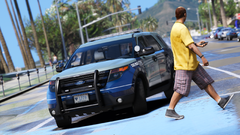
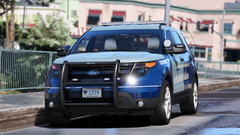
The goal of this upcoming pack is to create the single most accurate, realistic, and true-to-life representation of law enforcement departments found in the Boston and the surrounding neighborhoods / cities.

Cartres
Members

2 hours ago, TrpCharles said:

 Look at these this is awsome.


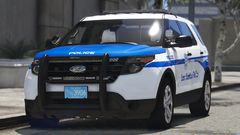
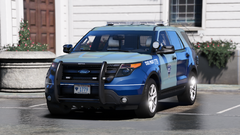
Hey there @TrpCharles - you may wanna take a look at the newest addition. Started the State Police.

MrMeaf

Members

Love it... except the fact that it's lore...

Cartres
Members

On 3/12/2019 at 11:03 PM, MrMeaf said:

Love it... except the fact that it's lore...

I can make a real-life variation as well! 

r.y.a.n

Members

Is there an eta to this pack?

Cartres
Members

13 hours ago, rmckinstry said:

Is there an eta to this pack?


No hard ETA, mostly because I'm trying to squash bugs and perfect every vehicle before they go to the public. I don't expect any longer than a couple weeks. 

Pown3r88

Members

More than a great job done here Cartres! I've been trying to get a Boston/MA setup together in game but missing out on (too many) details. This is absolutely spot on. Thanks and keep it up, following and looking forward to this!!

Ronandh

Members

Are theese non-els or els I hope non-els 😉

Cartres
Members

On 5/16/2019 at 4:46 PM, Ronandh said:

Are theese non-els or els I hope non-els 😉

ELS for Single-player use!

lssocrew

Members

(edited)

this is amazing im waiting for this to drop im so excited

Edited by lssocrew

lssocrew

Members

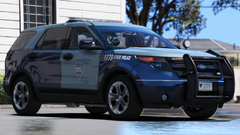
yo cartres we got a new boston ems explorers out today patroling
IMG_2727.JPG

Cartres
Members

On 7/9/2019 at 12:43 AM, rmckinstry said:

Saw on First30, is it coming soon? Looked good.


On 7/10/2019 at 11:15 PM, maestrosback said:

eta?


I had to take some time away, it'll be public release when it is finished though, I promise! 


On 7/14/2019 at 5:15 PM, ecordian13 said:

This looks amazing.

Thank you!


ecordian13

Members

On 7/19/2019 at 1:20 PM, Cartres said:
 

I had to take some time away, it'll be public release when it is finished though, I promise! 
 

Thank you!


No problem, I live in the area so I can't wait for this!

gta192837465

Members

I just cried a little looking through all the amazing work you have posted. Simply put, amazing! As a Mass resident I eagerly await the release of these beautiful creations. Any chance you could upload a teaser video? Keep up the great work! (Fire and EMS next??? lol)

Cartres

Members

On 8/6/2019 at 7:09 AM, gta192837465 said:

I just cried a little looking through all the amazing work you have posted. Simply put, amazing! As a Mass resident I eagerly await the release of these beautiful creations. Any chance you could upload a teaser video? Keep up the great work! (Fire and EMS next??? lol)

Both First Thirty Minutes and Doug1637 have videos on Youtube patrolling in these cars!

Viberent

Members

On 8/8/2019 at 1:16 PM, Cartres said:

Both First Thirty Minutes and Doug1637 have videos on Youtube patrolling in these cars!

And you taunted it, and now I check everyday to see if there released. I wanna become a beta tester lol (As I'm sure you know at this point)

Cartres

Members

Thanks guys! I'll keep you all updated as progress continues. 

Join the conversation

You can post now and register later. If you have an account, sign in now to post with your account.

Guest
Add a comment...

Recently Browsing 0

  • No registered users viewing this page.

Account

Navigation

Search

Search

Configure browser push notifications

Chrome (Android)
  1. Tap the lock icon next to the address bar.
  2. Tap Permissions → Notifications.
  3. Adjust your preference.
Chrome (Desktop)
  1. Click the padlock icon in the address bar.
  2. Select Site settings.
  3. Find Notifications and adjust your preference.