




LSSD Skin for Interceptor
This is a skin for the Interceptor, based on the real LASD Ford Interceptor. All sheriff markings
are from the game itself to retain the LSSD feeling and the slogan has been changed to 'Obey and Survive'
This is a skin for Lt. Caines Interceptor, so you have to download that first.
http://www.lcpdfr.com/files/file/8329-v-interceptor-default-type/
INSTALLATION
Use OpenIV to open the file “update/x64/dlcpacks/patchday4ng/dlc.rpf/x64/levels/gta5/vehicles.rpf”.
In the RPF file, find and replace the police3.ytd with the one provided in the download.
I highly recommend using the 'mods' folder so you don't overwrite the original game stuff.
I hope the skin looks good to you, if you notice any bugs or have any suggestions about it, feel free to post.
Enjoy!

.thumb.png.6dc78c1696d718de62681ed0c1ff29ef.png)
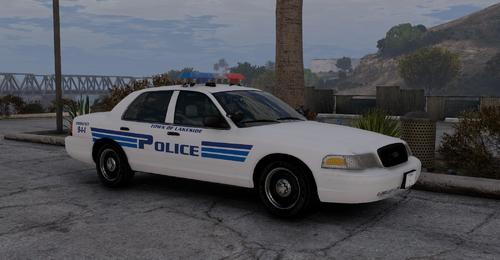

![[ELS-Hybrid | DLC/Addon] Oroville Police 2020-2025 FPIU Pack](http://s3-screenshots.int-cdn.lcpdfrusercontent.com/monthly_2026_07/4.thumb.png.643c4e7b1565412c94a6df71a9e2202c.png)


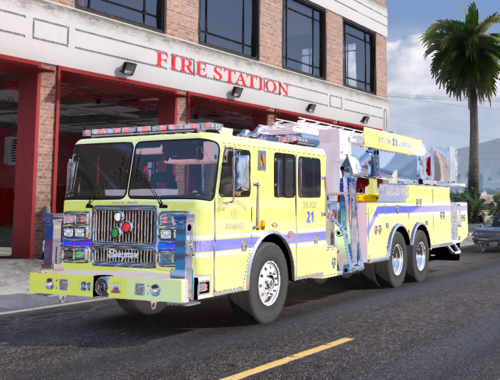

![[DLS] RSO 2025 Silverado](http://s3-screenshots.int-cdn.lcpdfrusercontent.com/monthly_2026_08/MedalTVGrandTheftAutoV20260712015343617.thumb.webp.017623971017771f7a1d836cba5ec17e.webp)


Recommended Comments
Create an account or sign in to comment