





StopThePed Plus adds more variety to your vehicle searches and pat-downs. I've updated the lists with more items to make stops feel less repetitive. It’s a simple pack to give you more stuff to find during your arrests.
Installation
Make sure StopThePed is installed.
Replace your original XML files with these.
Done.
Enjoy your patrols!
AI was used to Translate the Description.
Edited by Paloranjustin
What's New in Version 2.0.0
Released
Added much more Items.
Check it out!
Short Description
Adds more variety to your vehicle and pat-down searches. Updated lists for a better patrol experience.
AI disclosure
The author has disclosed that AI tools were used in creating the following aspects of this file:
- Description
Myself

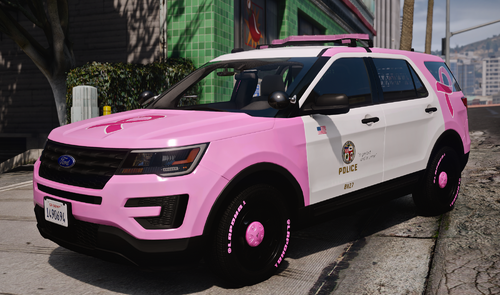
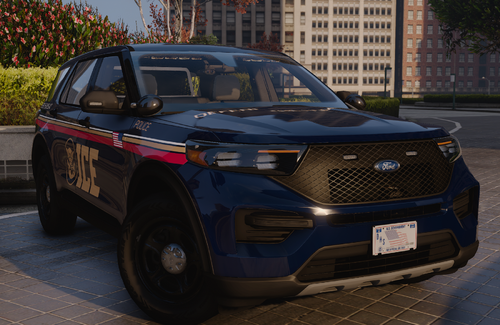


.thumb.png.1f4ac8c2c08ebdb5a00de2e58cd20481.png)
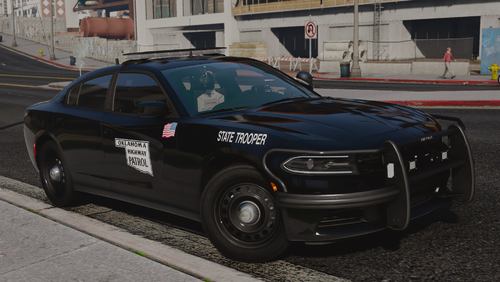
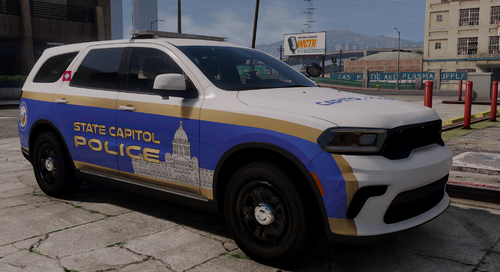
.thumb.png.9788e98db196594e6b6e34a34af7a94e.png)
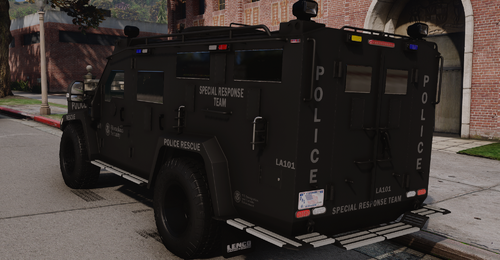
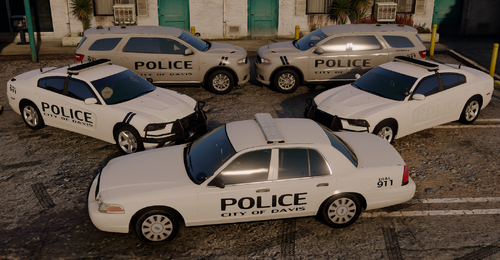
.thumb.png.4d59e30ff8b8385589769cf607a5e1aa.png)
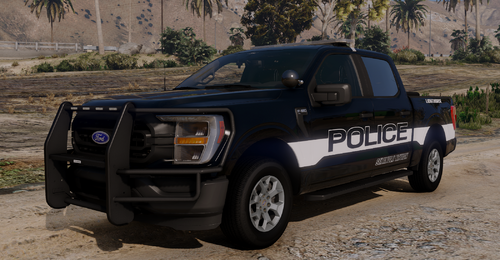
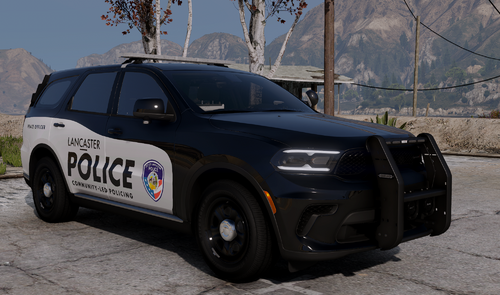
.thumb.png.afea87ee51864d1828b2faee0c0ac7d6.png)
Recommended Comments
Create an account or sign in to comment