Skip to content
View in the app

A better way to browse. Learn more.

LCPDFR.com

A full-screen app on your home screen with push notifications, badges and more.

To install this app on iOS and iPadOS
  1. Tap the Share icon in Safari
  2. Scroll the menu and tap Add to Home Screen.
  3. Tap Add in the top-right corner.
To install this app on Android
  1. Tap the 3-dot menu (⋮) in the top-right corner of the browser.
  2. Tap Add to Home screen or Install app.
  3. Confirm by tapping Install.
244 files
    • 298 Downloads
    • 2953 Views
    • 674.98 kB File Size
    • 2 Comments
    Updated

    • 179 Downloads
    • 5526 Views
    • 5.5 MB File Size
    • 2 Comments
    Updated
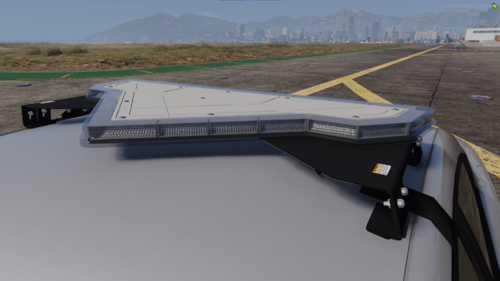
    • 1,710 Downloads
    • 9403 Views
    • 5.81 MB File Size
    • 5 Comments
    Updated

    • 148 Downloads
    • 2983 Views
    • 25.04 kB File Size
    • 2 Comments
    Updated
    • 628 Downloads
    • 6380 Views
    • 11.16 MB File Size
    • 2 Comments
    Updated
    • 2,059 Downloads
    • 11870 Views
    • 1002.99 kB File Size
    • 4 Comments
    Updated
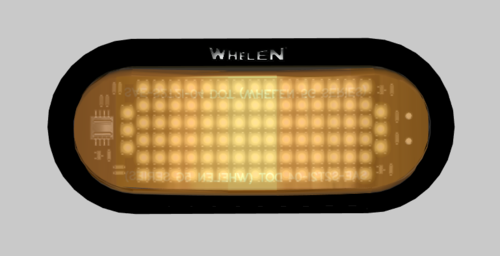
    • 540 Downloads
    • 5053 Views
    • 1.43 MB File Size
    • 2 Comments
    Updated
    • 1,420 Downloads
    • 9787 Views
    • 1.14 MB File Size
    Updated
    • 163 Downloads
    • 4622 Views
    • 4.09 MB File Size
    • 1 Comments
    Updated
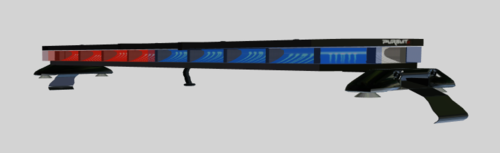
    • 462 Downloads
    • 5674 Views
    • 11.17 MB File Size
    • 3 Comments
    Updated
    • 605 Downloads
    • 8400 Views
    • 14.52 MB File Size
    • 7 Comments
    Updated
    • 175 Downloads
    • 4410 Views
    • 7.42 MB File Size
    • 1 Comments
    Updated
    • 1,991 Downloads
    • 12752 Views
    • 2.79 MB File Size
    • 2 Comments
    Updated
    • 1,628 Downloads
    • 14437 Views
    • 4.92 MB File Size
    • 11 Comments
    Updated
    • 239 Downloads
    • 3226 Views
    • 1.57 MB File Size
    • 1 Comments
    Updated
    • 789 Downloads
    • 11879 Views
    • 546.52 kB File Size
    • 2 Comments
    Updated

Account

Navigation

Search

Search

Configure browser push notifications

Chrome (Android)
  1. Tap the lock icon next to the address bar.
  2. Tap Permissions → Notifications.
  3. Adjust your preference.
Chrome (Desktop)
  1. Click the padlock icon in the address bar.
  2. Select Site settings.
  3. Find Notifications and adjust your preference.