


playstationmanrocks
Members
-
Joined
-
Last visited
Everything posted by playstationmanrocks
-
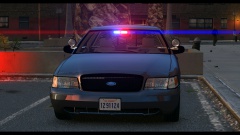 Nice!
Nice! -
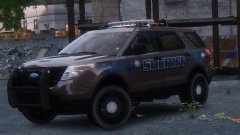 Great shot!
 -
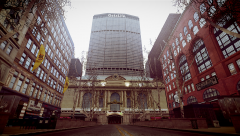 My god! That looks so nice!! Amazing picture!
 -
thanks!!
-
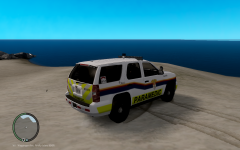 Change your texture quality settings in the GTA 4 menu, under graphics
 -
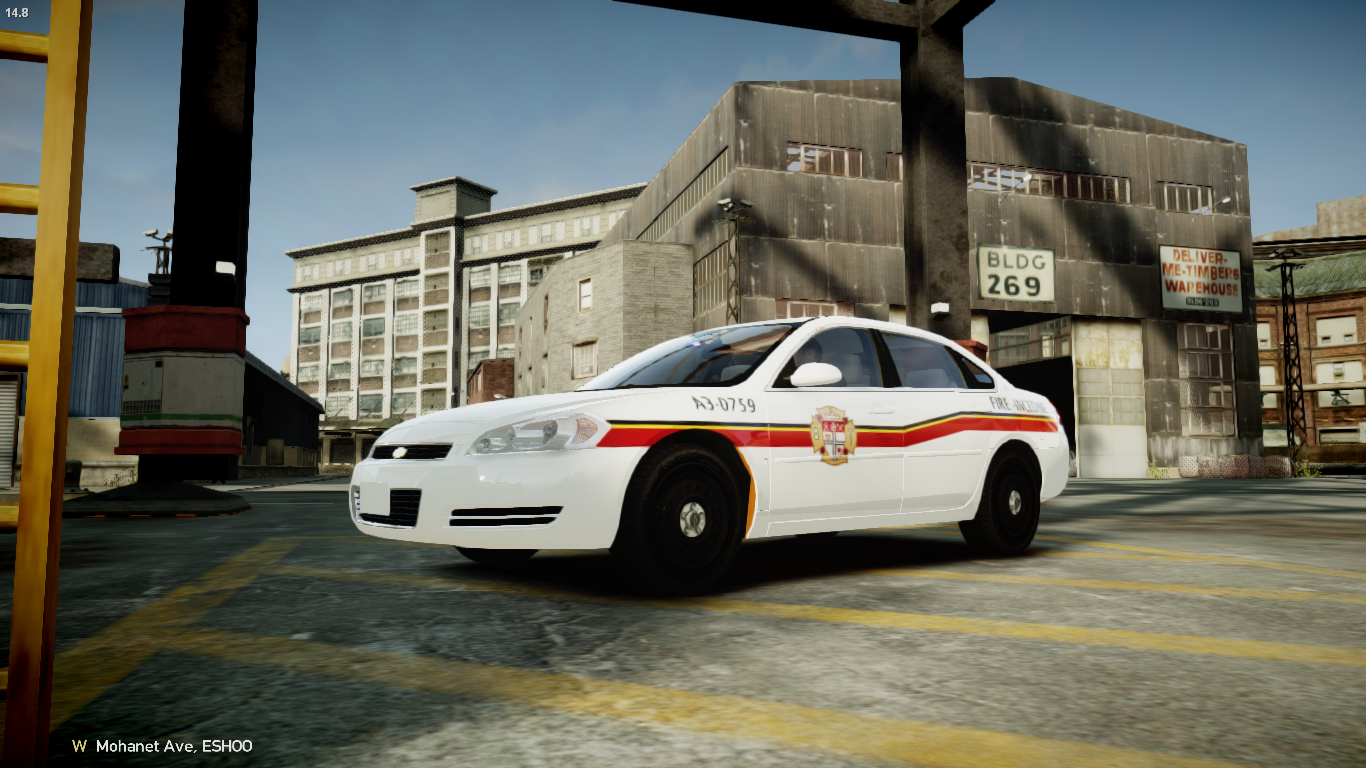
From the album: Ottawa Pack
-
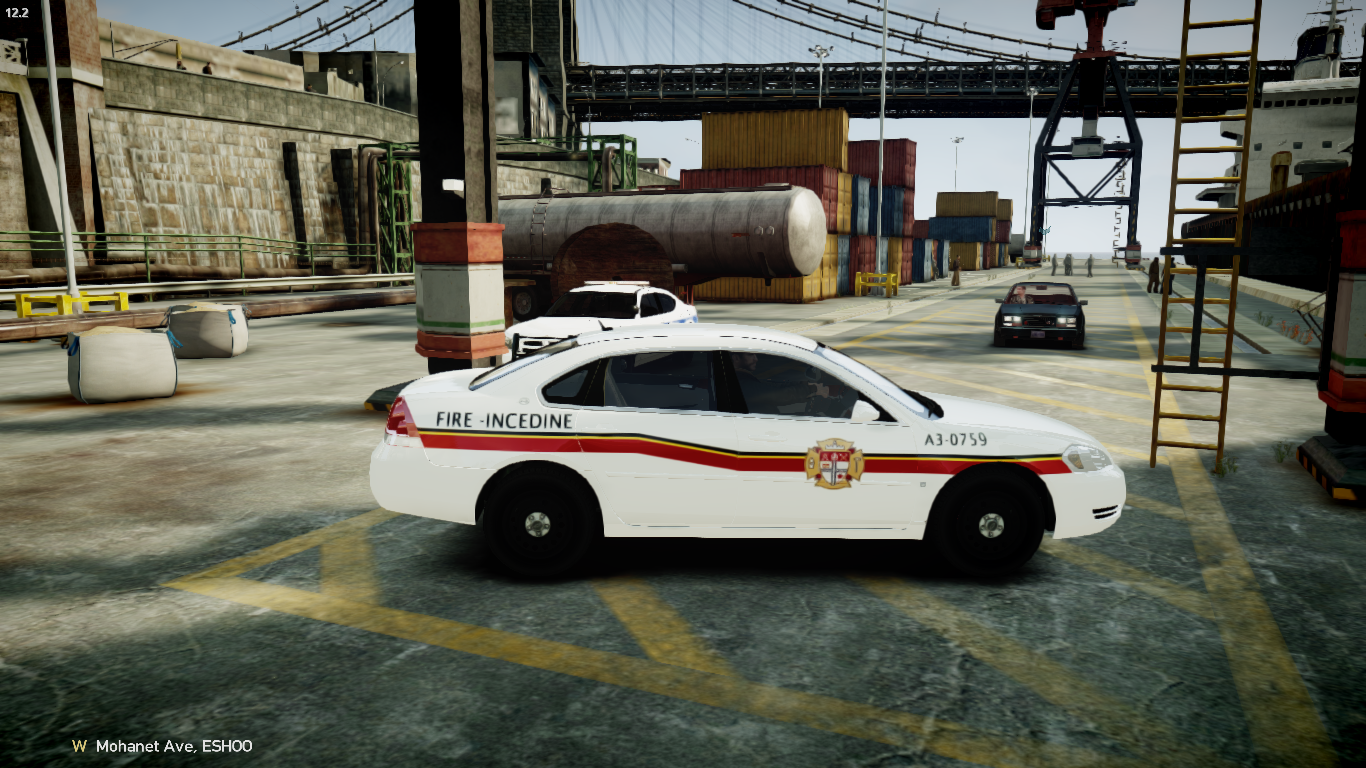
From the album: Ottawa Pack
-
Here is a relatively accurate Ottawa Police skin for the wonderful Dodge Charger 2008 If you want to reupload i ask that you credit me as well as: CanadianPolice Expect more Ottawa Skins to come Vehicle link: More Pictures:
-
Stuff: More Stuff Last but not least:
-
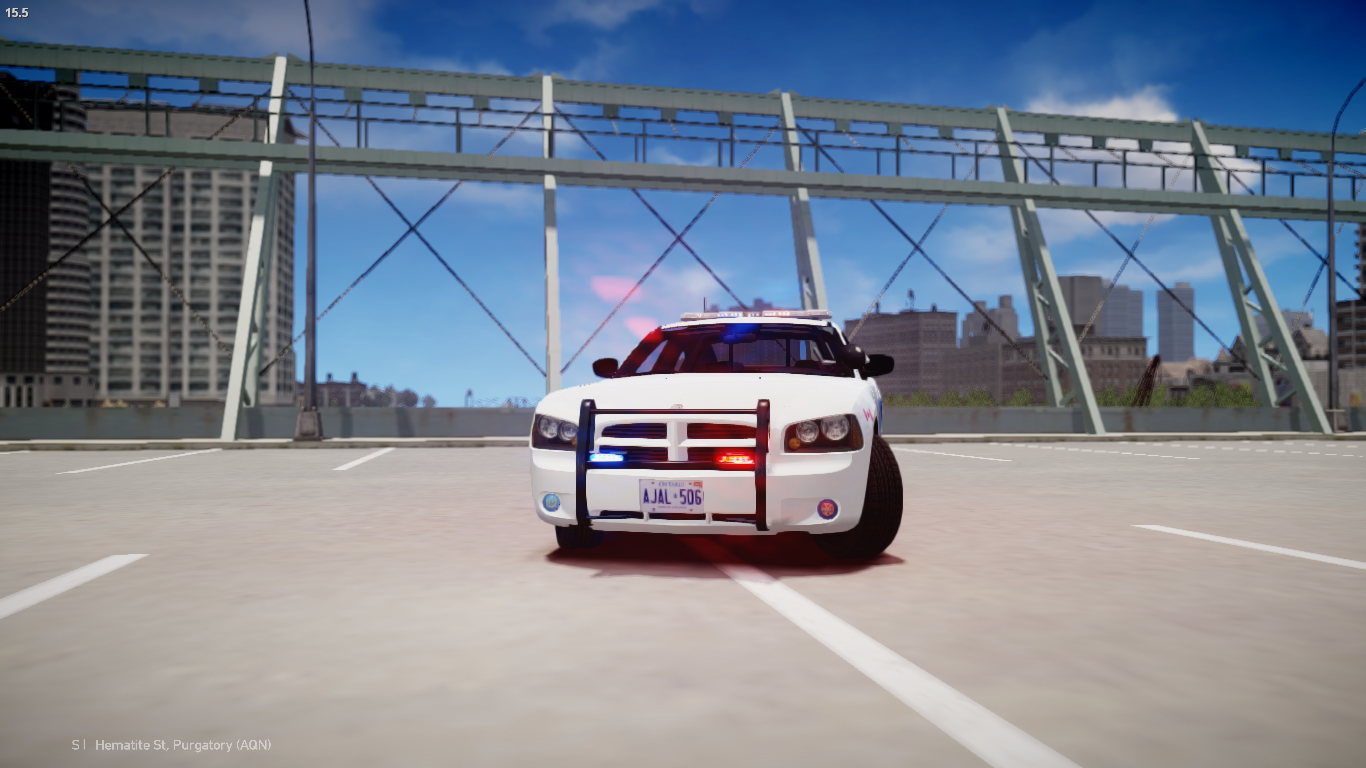
From the album: Ottawa Pack
-
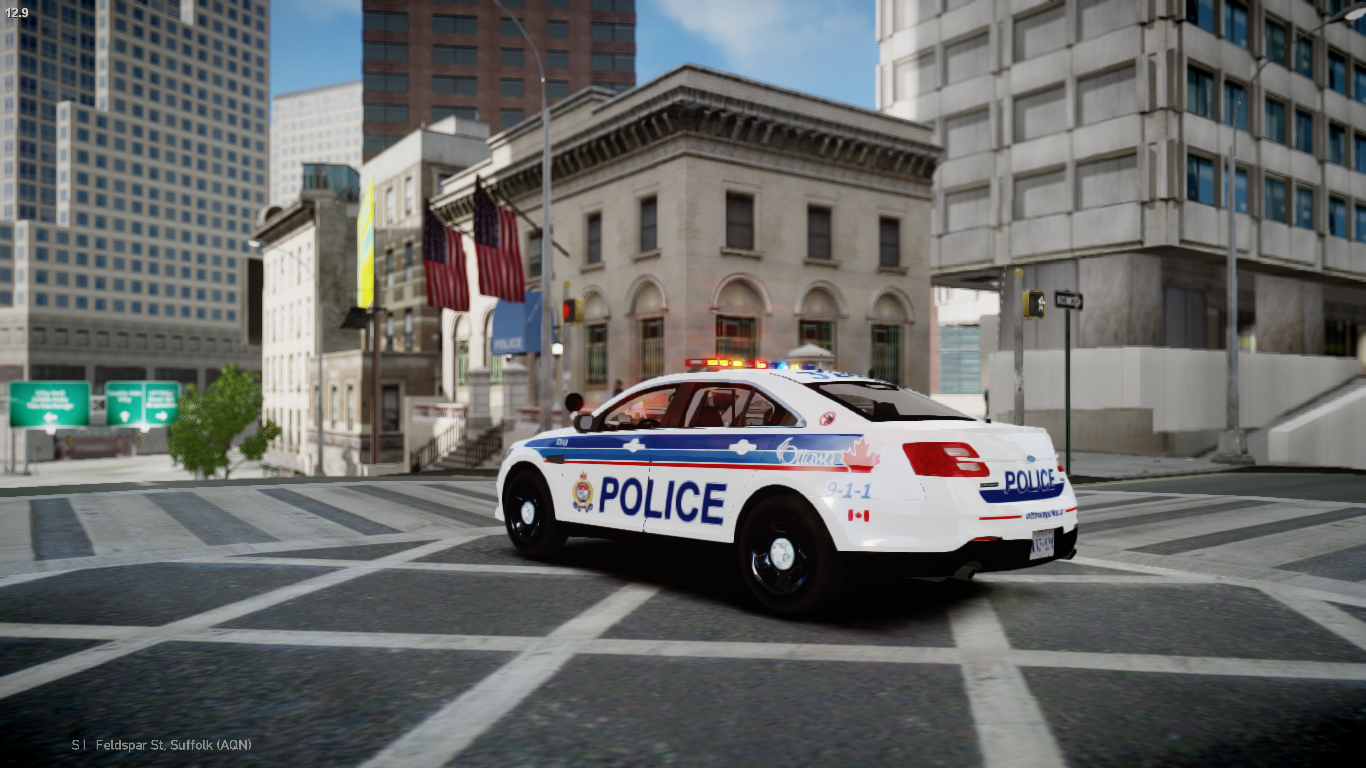
From the album: Ottawa Pack
-
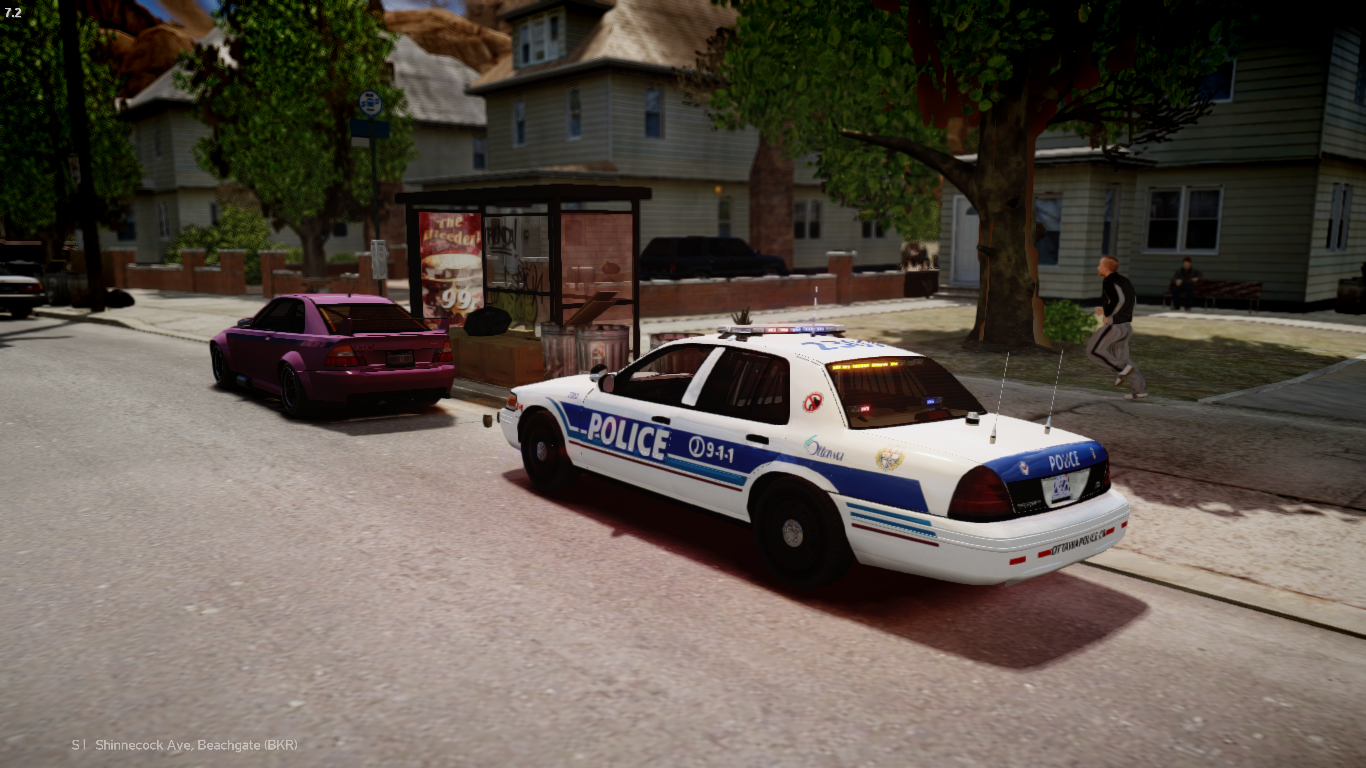
From the album: Ottawa Pack
-
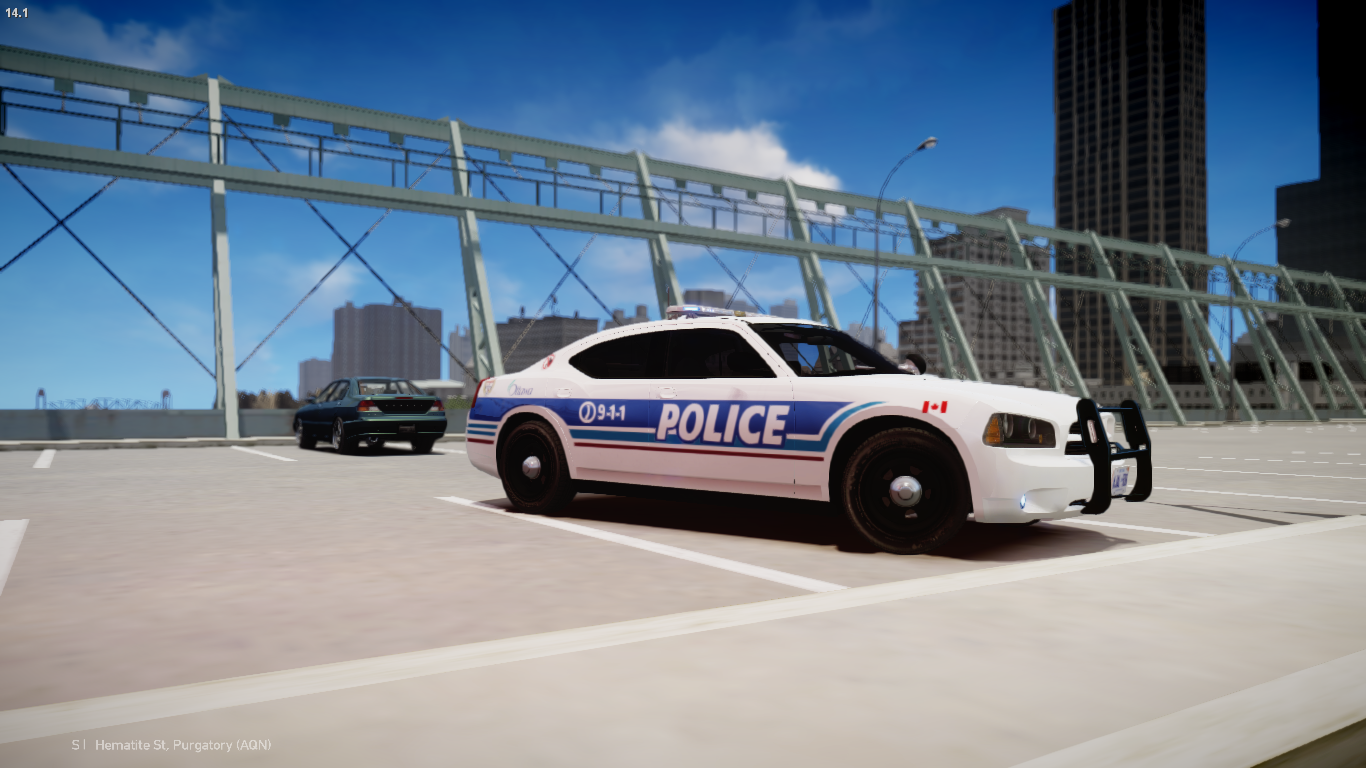
From the album: Ottawa Pack
-
 So Nice!!
 -
 doesnt look even on the right front side
 -
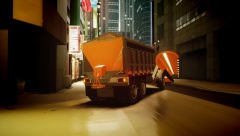 yeah i have to fix that for the plow blades
 -
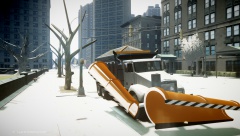 haha thank you glad you like it!
 -
Heres what i got Fancy old CVPI: '' target='_blank'>> The Feds: https://flic.kr/p/kFqq8t '' target='_blank'>> And my favorite: '' target='_blank'>>
-
If you have trainer installed then go into the options menu in game by pressing F3 then the first choice by pressing NUM pad 5 and then go to the option disable keys and then try your lights
- 9 comments
- 10 reviews
-
Idk its something that has finally caught on after the game has been release after 6 years
-
-
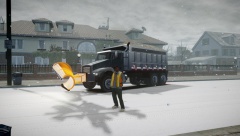 New Update check here: '?do=embed' frameborder='0' data-embedContent>>
 -
From the album: WIP Models
Bit more of an update: Items changed: Scaled down the front plow a bit pulled the front bumper out a bit more other misc. things as well Items added: side wing "hydraulics" for the side wing Known Problems Salt changes colour when the truck changes colour No hit box on the plows Im also looking for a beta tester PM if you have any requests -
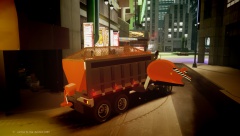
From the album: WIP Models
Bit more of an update: Items changed: Scaled down the front plow a bit pulled the front bumper out a bit more other misc. things as well Items added: side wing "hydraulics" for the side wing Known Problems Salt changes colour when the truck changes colour No hit box on the plows Im also looking for a beta tester PM if you have any requests -
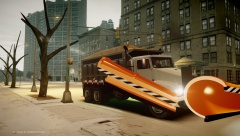
From the album: WIP Models
Bit more of an update: Items changed: Scaled down the front plow a bit pulled the front bumper out a bit more other misc. things as well Items added: side wing "hydraulics" for the side wing Known Problems Salt changes colour when the truck changes colour No hit box on the plows Im also looking for a beta tester PM if you have any requests


