speedy2124
Members
-
Joined
-
Last visited
Files posted by speedy2124
-
-This is just tinted windows that you can add to your car in gta 4.
-It is very simple to put on your cars. First using spark iv just go into the vehicle WTD file that you want to add the tint to and find the place where the window is. Once you have found the window just replace it with the file in the download and save it and you will be good to go.
- 621 Downloads
- 10 Comments
Updated -
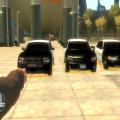
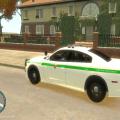
A fictional liberty city hospital security skin pack that i made.
-If you have any suggestions for this i might upload a 2nd version
-If you have any suggestions for any other skins ill try to make them to.
- 37 Downloads
- 12 Comments
Submitted -
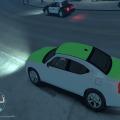
this is a undercover narcotics/vice skin i made on a 2010 dodge charger
- 8 Downloads
- 7 Comments
Updated -
- 69 Downloads
- 3 Comments
Submitted -
- 18 Downloads
- 4 Comments
Submitted -
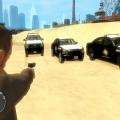
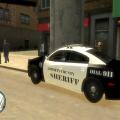
A fictional liberty county sheriff skin on a 2012 dodge charger.
- 53 Downloads
- 2 Comments
Submitted -
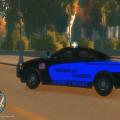
A fictional Liberty state highway parol skin on a 2012 dodge charger
- 7 Downloads
- 6 Comments
Submitted -
- 2 Downloads
- 7 Comments
Submitted