


trooperbear6574
Members
-
Joined
-
Last visited
Everything posted by trooperbear6574
-
 So I know this is the thing now but I replaced the .meta file and my light bar still has the tint on it. I'm not really sure what more I can do or if I'm just an idiot.
- 85 comments
- 28 reviews
-
So I recently got a new police3 uploaded and when I put the carvariations the lights are forward from what they should be. I replaced the file like it said but for some reason the lights will not match up with the light bar itself and are floating in mid air. maybe someone can tell me what I'm doing wrong that would be helpful.
-
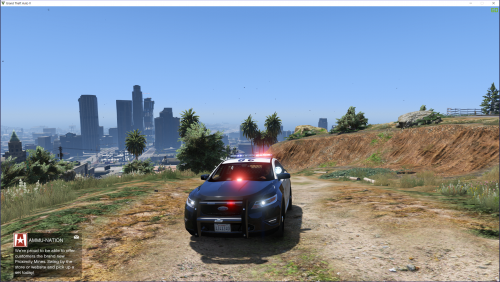 would someone by chance know what line of code the vehicles.meta is on for the replacement code, I haven't been able to find it
- 49 comments
- 10 reviews

