
BroCop
Members
-
Joined
-
Last visited
Files posted by BroCop
-
Overview
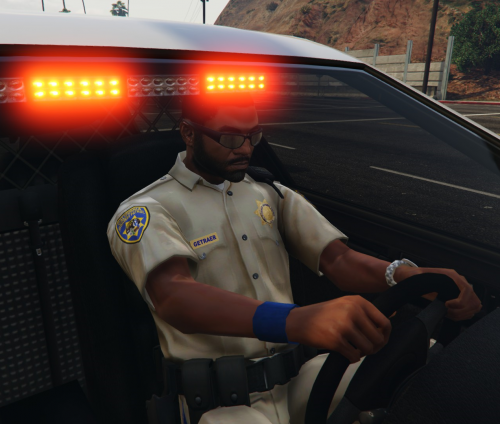
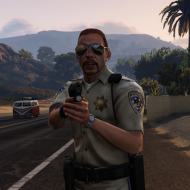
A major overhaul of the highway patrol officer that brings their uniforms, patches, badges and helmets in line with the agency they are based on, the California Highway Patrol.
I've meticulously retextured all the pants and shirts to be the shade of tan used by the California Highway Patrol. No long shall they wear a practically white shirt! An accurate, HD Badge and HD CHP patches are also on the uniform. I've even included an Easter egg for those with a keen eye.
Check the before/after shots for a good idea of what I changed.
Bonus!
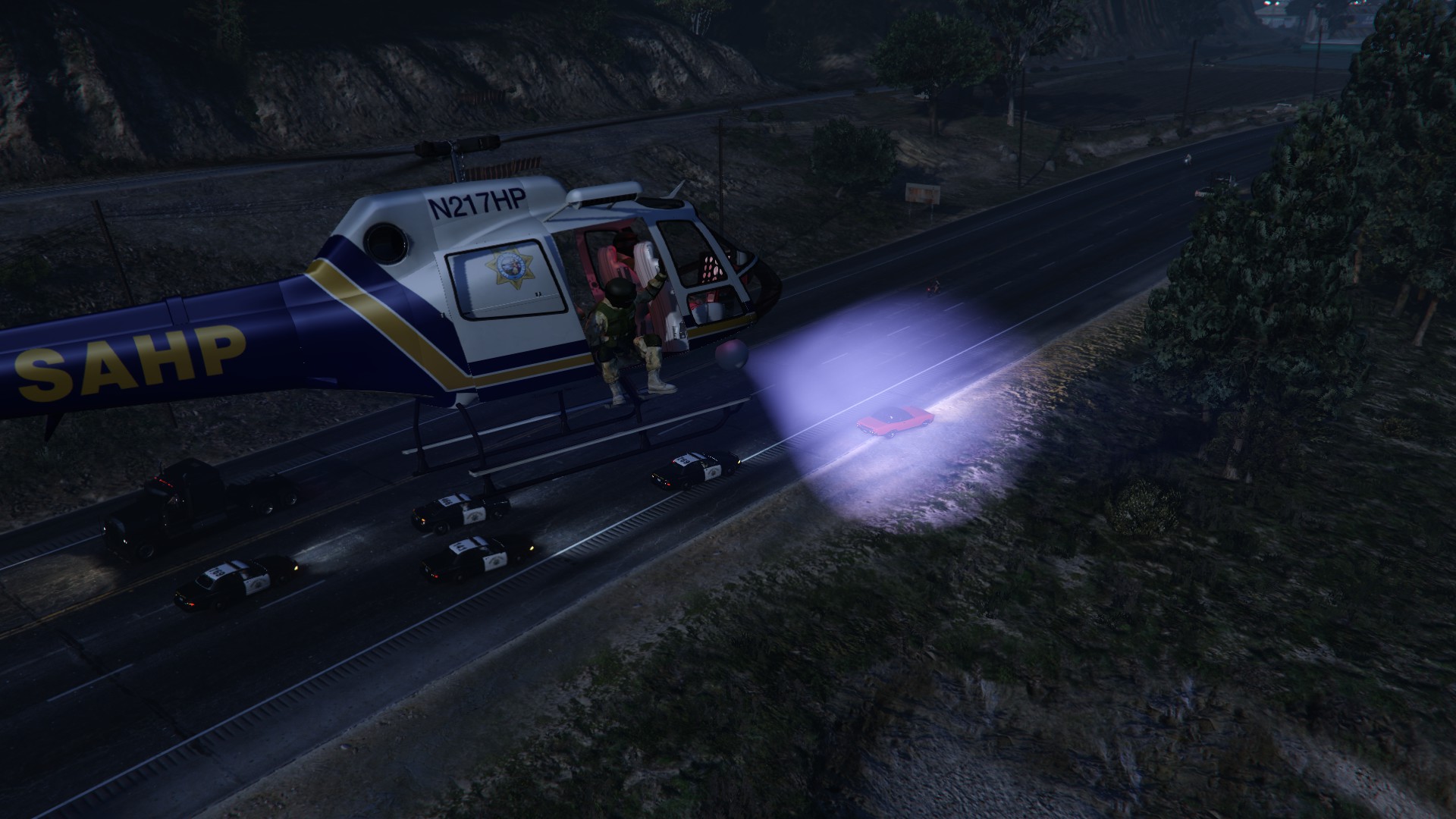
I've included a version with the CHP-style San Andreas HP patches. You get the glorious, crisp tan of my uniform, and the lore friendly identifying patches. The badge and helmet are a lot of work, and I may consider making a separate SAHP release with those retextured at another time.
Installation
UNIFORM:
Acquire Openiv, and make sure to enable loading via the mods folder.
Navigate to
F:\Games\SteamLibrary\steamapps\common\Grand Theft Auto V\mods\update\x64\dlcpacks\patchday3ng\dlc.rpf\x64\models\cdimages\patchday3ng.rpf\
And drop s_m_y_hwaycop_01.ytd into it. Rebuild the .rpf
HEADGEAR
Navigate to F:\Games\SteamLibrary\steamapps\common\Grand Theft Auto V\mods\x64e.rpf\models\cdimages\pedprops.rpf\
Drop s_m_y_hwaycop_01_p into the .rpf, then rebuild.
You're done! Congradulations.
Update plans:
Once car modding is a little clearer, I may include CHP cars as another update.
Highly Recommended:
Law Enforcement Improvements:
https://www.gta5-mods.com/misc/law-enforcement-improvements
I use their motorcycle, and if you want SAHP helmets, it is a good source. DO NOT USE THEIR s_m_y_hwaycop! It will overwrite this mod. Also, a good way to see Highway Patrolman on the highway.
Any mod that enables spawning of SAHP in traffic or as a responding unit, so you can bask in the new textures!
- 9,086 Downloads
- 11 Comments
Updated -
Overview
-This is my collective work with the "Call Of Duty Modern Warfare 3 Gign Pack" by ac.amir, released here: http://www.gta4-mods.com/player/modern-warfare-3-gign-packup-f16217
-I've combined the 4 peds, making their helmets, facecovers, and gear interchangeable.
-I've recolored the light blue into a dark navy blue, and added SWAT patches and markings
-I've tested it out, and removed the 'wet look' they get with ENB. Feel free to use the _spec's, which will get rid of it.
Instalation
-------------
Using sparkIV or OpenIV (my favorite), open componentpeds.img. Click 'Add new files' or 'import', then rebuild. You're done!
Note
------
You may NOT upload this file anywhere else. I have permission from ac.amir to release this, so get permission from him before doing anything. If you have suggestions or a small request, leave it in the comments/PM me. Please do not release any personal edits, and I discourage personal edits simply because it'll be confusing getting the permissions down should you wish to release them.
Anywho, with that out of the way, enjoy your new coppers!
Oh, if there is any permissions needed for lcpdfr.com for anything, consider them granted. I'll be out of town for a few days, so if you want to put this on the front page thing or need anything else, I'm okay with it. You guys are cool.
- 6,307 Downloads
- 17 Comments
Submitted