.png.38bda1b08f8425c9ca0faf5ff2aeaff8.png)

ninja4bravo
Members
-
Joined
-
Last visited
Everything posted by ninja4bravo
-
cheers mate seems to be all working fine now.
-
so if I go into my plugins folder where LSPDFR is installed and create a LSPDFR folder I just throw it all in there is what you are saying right? just making sure I've read correctly. So like this?
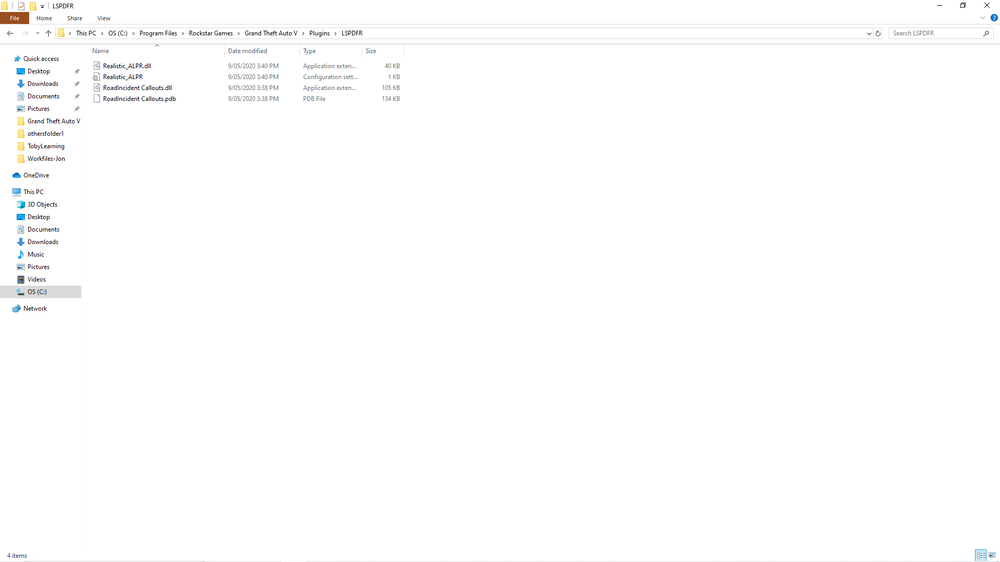
-
Sorry for delay mate I will show you both places where I have put the files, first I started with this folder then into the directory when that didn't work
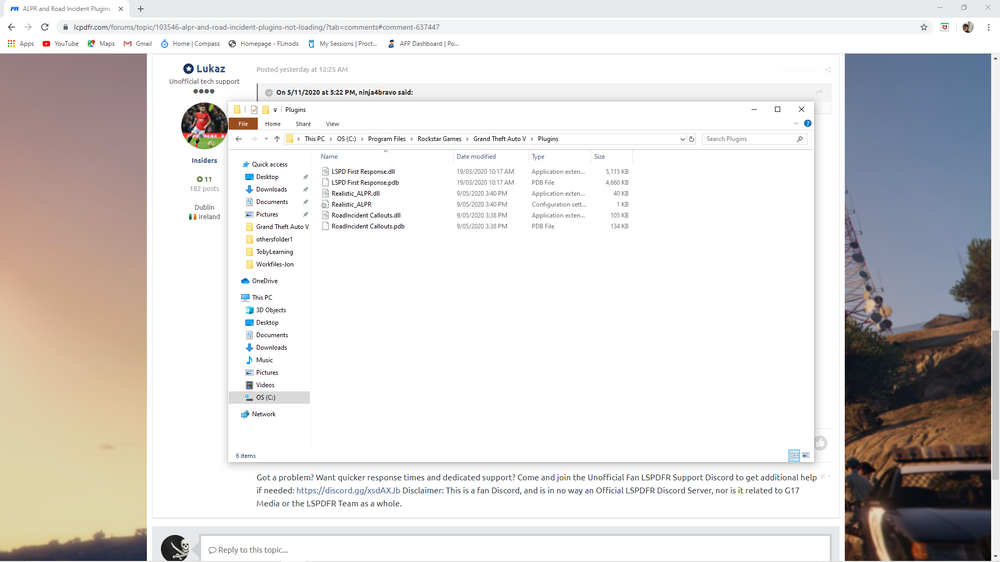
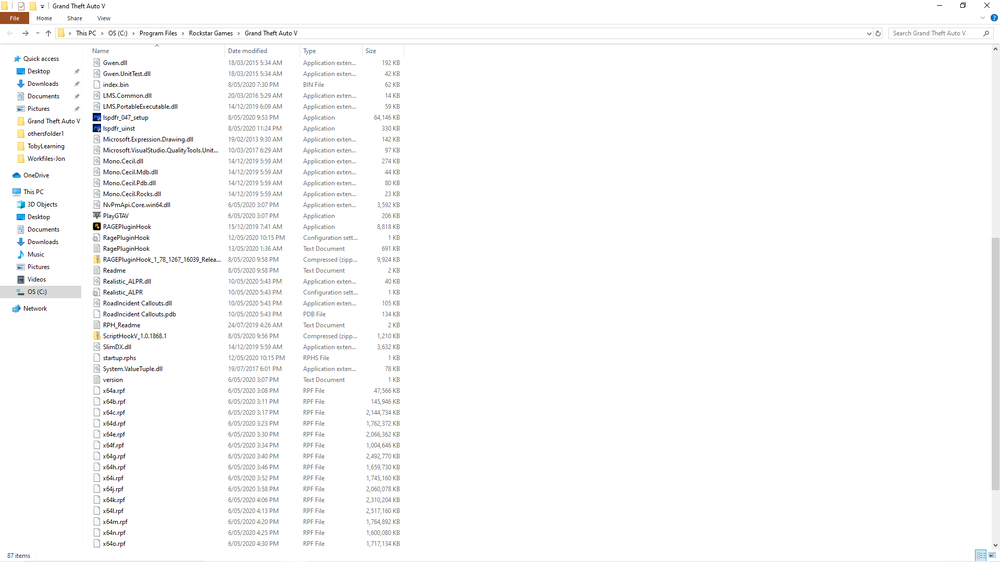
-
Have put them there loaded the game up nothing loaded then I tried also putting them in the GTAV directory also tried again and still won't find the plugins.
-
Hi guys I recently downloaded the ALPR and Road Incident callout scripts and put them in the plugin folder as stated in the readme however when I load into the game none of these seem to load? is there a way I can fix this so that they go into game? thank you.
-
also have a fatal error when launching now that I've fixed that one.
-
Anyone else getting the unsupported game patch error? " The current game version is not supported. Installed game version: 1604 Latest game version: 1737 Supported game versions: 1737 The installed game version (1604) is not supported. This build of RAGE Plugin Hook is made for version 1737." and how do I rectify this? I cannot seem the locate the patch in question.
-
With the new ragehook it now runs ragehook just fine and says enjoy but now crashes after saying enjoy lol, one issue after the other I swear, may have to clean install
-
Doesn't get that far unfortunately mate, launches goes to the sirens going off and the lights flashing then triple beeps and crashes.
-
Hey man I was using malware bytes but have since uninstalled it and tried turning off defender too then launching and I get the slow system error after that. As is mate haven't modified anything, just basic settings that come with the ragehook.
-
hey mate have tried all that and the game still says that my system is too slow or insufficient permissions, which is odd cause I had it working not long ago until I put that mods folder in then it stopped launching lspd fr properly. I also have tried uninstalling and re-installing the game to no avail.
-
ahhh sneaky thing must keep turning itself on, will fix that now
-
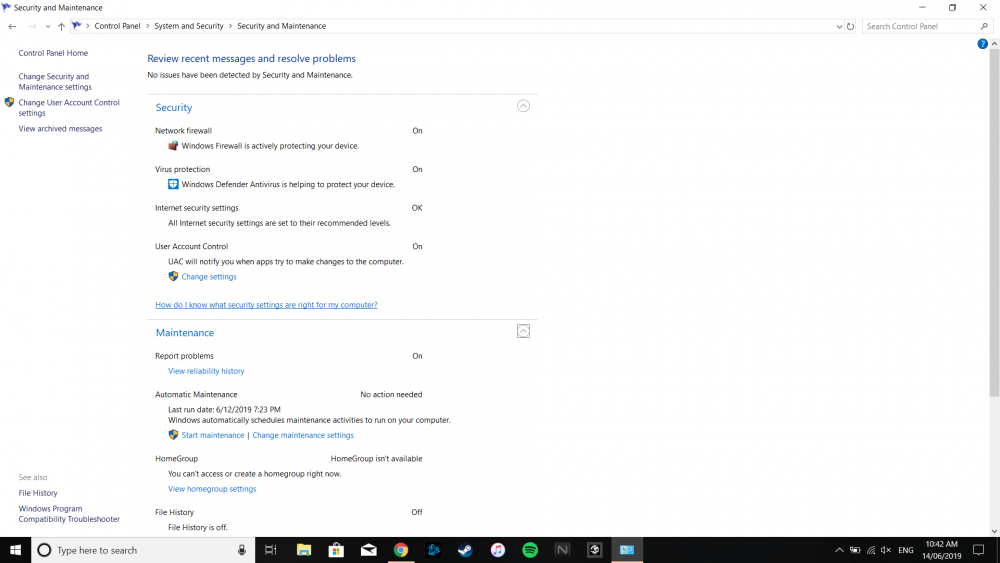
hey mate, please find attached screenshot of what you requested.
-
Have changed folder name and updated, still getting the same error.
-
Is it really that simple? fair call I shall change it now and give that a relaunch will advise how it goes.
-
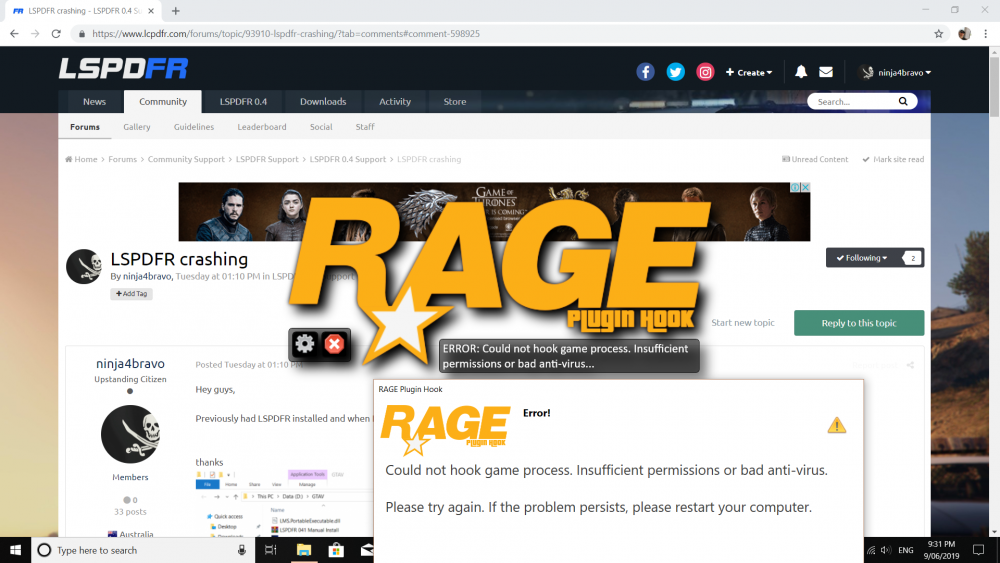
These are the new errors I am getting, considering completely uninstalling the game and re-installing to see if that fixes the issue
-
have just done that and tried to launch now comes with this error message: "Could not hook game process. Insufficient permissions or bad anti-virus. Please try again. If the problem persists, please restart your computer."
-
the game starts fine, the only issue is RPH, when I launch RPH it crashes but if I don't launch the mod it runs fine
-
this appears to be the only way it's logging, and it won't let me attach a crash log, think because it's not really crashing just stopping. RagePluginHook_04062019_075925.log
-
hey mate, still giving me the same error as before which is very odd, at this stage it's looking like I may have to re-install the game, the game runs fine but lspdfr will not run when I launch ragehook.
-
am running an update again to try as I've tried to put the backup copy into the main directory and as such has to update again, hopefully that fixes the issue.
-
hey mate, I run Malware bytes which has never had an issue before, it was running all good yesterday but today it just decided to crap itself.
-
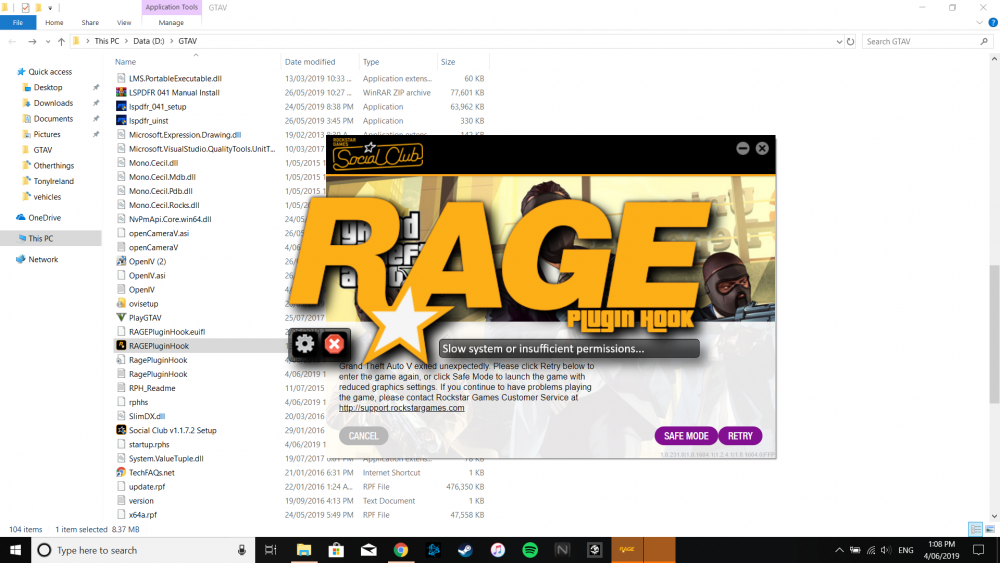
Hey guys, Previously had LSPDFR installed and when I went to run it today it just comes up with this error message now, how do I fix it? thanks
-
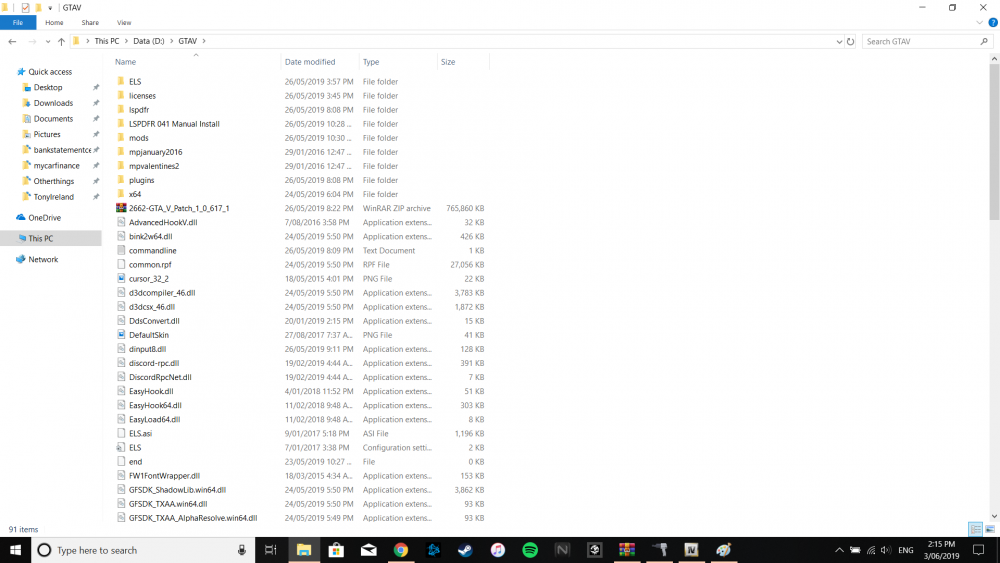
Have just located it for some reason my PC had it outside the GTA folder which is quite odd, to add car mods do I just click the update folder then go into edit mode and click the rpf?
-
Hey mate, Did some looking through and found the update folder and put it in the mods folder as per instructions that I've seen on youtube but it doesn't come up on OpenIV,