



Nia
Members
-
Joined
-
Last visited
Everything posted by Nia
-
-
-
-
-
Do you have the traffic flow script? There are such ems/fire events in that .ini that you can disable. Also the lcpdfr.ini in the lcpdfr folder contains "AmbientScenariosMaximum = x".
-
Have you tryed adding this: "yt:crop=16:9" as a tag.
-
Basically I can't seem to change the fire rate when sitting in a car. Anyone know if it is possible?
-
He is in my house right now, but anyways I found a workaround which was for both of us to use quick match instead of create a match. Thanks for replying
-
Everytime I get on and create a player match I try to invite my friend to the LAN game but the button is greyed out even though he is online. We also have tryed to go to custom game while the other created the match and tryed to find the game but that didn't show anything only "1 result found" but no game. Thanks for any help
-
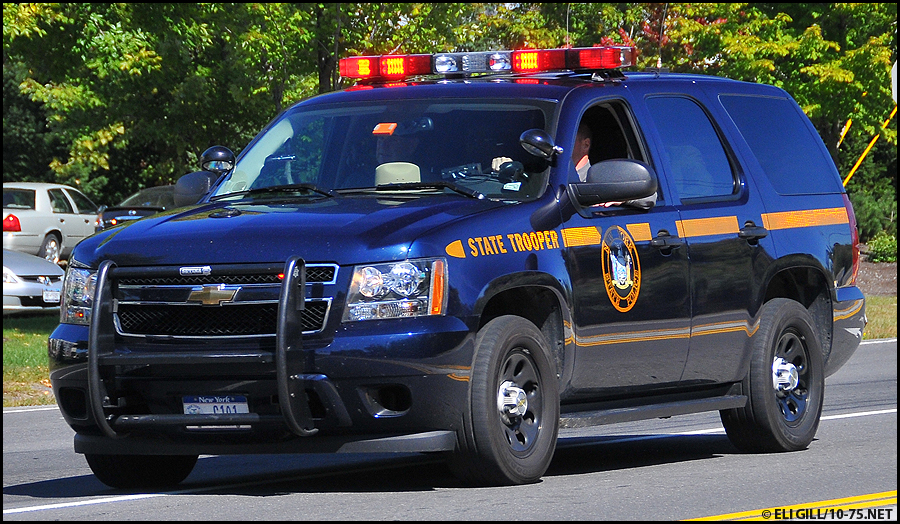
Can anyone help me find a picture of a New york Forest ranger vehicle that clearly shows their logo or perhaps just their logo? (The emblem that goes on their vehicles with the yellow decal.) I'm making a skin and can't find a good picture of it.
-
-
 Is there any progress on this Ridgerunner?
 -
Everytime I export with GIMS the model becomes either stretched or a miniature : anyone else have this problem or is it just me?
-
 It's NCHP, I actually thought they were too light and made the pants darker after I took the picture
 -
-
From the album: Random/off duty
-
Anyone wants to play a game my gamertag is Nick11, PM me here.
-


