fake bubba
Members
-
Joined
-
Last visited
Files posted by fake bubba
-
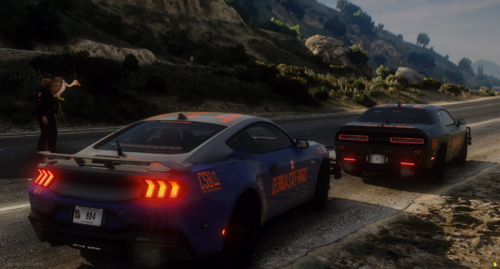
hi everyone, i finally made a csu challenger texture i'm happy with and thought i'd share. let me know if you find any issues with the textures. i know the csu logo is a bit warped on the challenger—nothing i can do about that, unfortunately—but i hope you enjoy anyway.
important note: the textures are 8000x8000, so if you have more than one livery on a car, it will most likely corrupt.
made by yours truly
please do not rip or sell claiming as your own work- 222 Downloads
- 5 Comments
Updated -
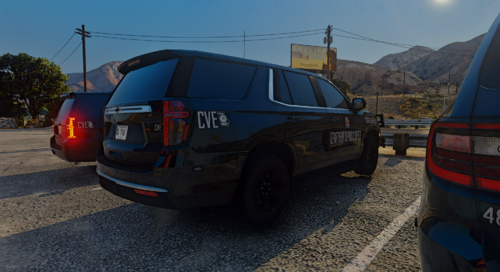
1 challenger, charger, and durango texture, 3 tahoe textures
charger is gm's 18-23
durango is gm's 21-24
tahoe (2019) is gm's
otha tahoe is razers 23
any constructive criticism is appreciated :)
i have a BUNCH of GADPS stuff if y'all would be interested in seeing any of that, lmk (CSU, MCCD, CVE, GSP)
IMPORTANT NOTE: the textures are 8000x8000 so if there is more than one texture on the car it will corrupt- 95 Downloads
- 5 Comments
Updated