- 22 downloads
- Version 1.0.0
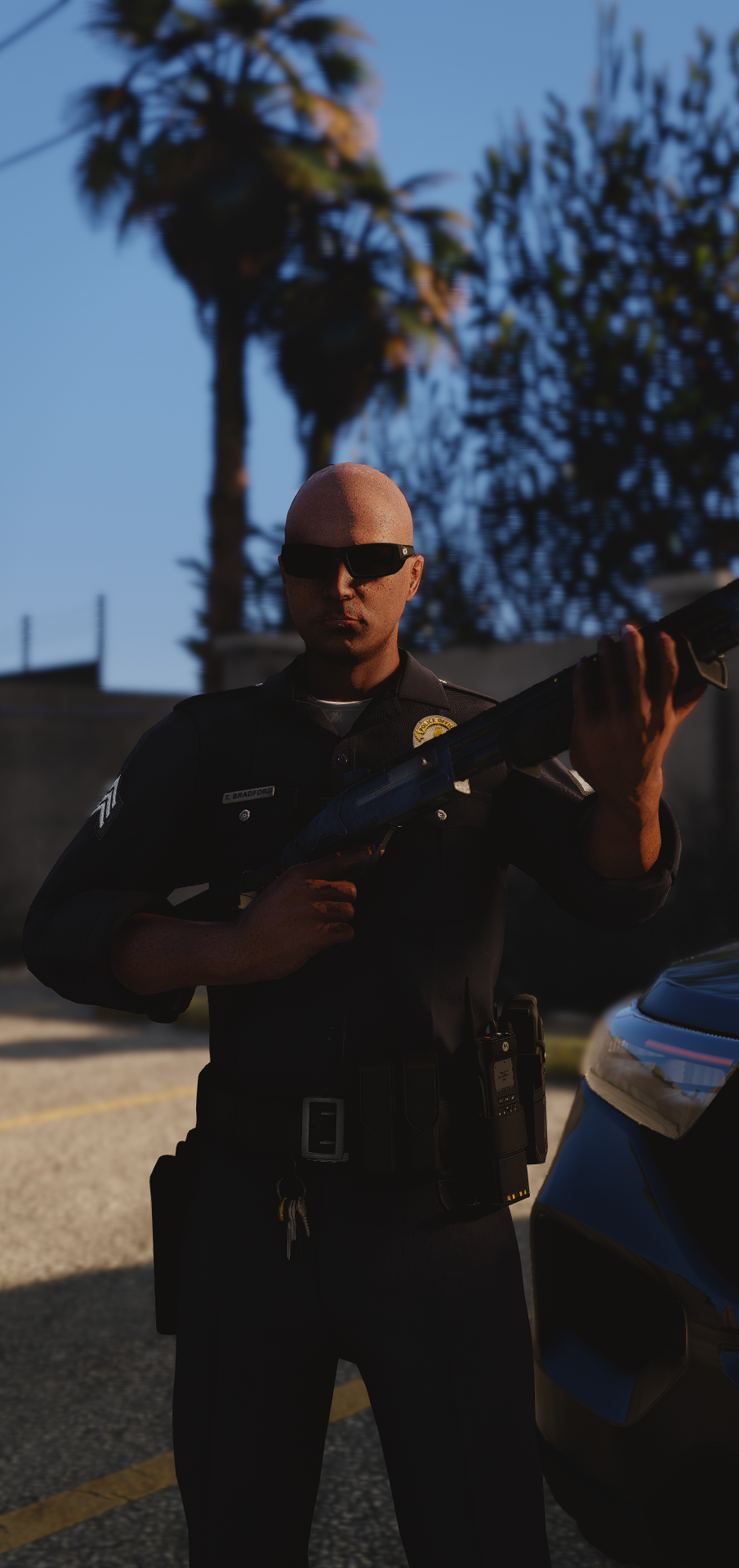
SHOWCASE VIDEO Hello, Internet Earthlings! 👽 I come bearing a PART 2 of my Weapon Management FiveM script that I've been sitting on for quite some time. I originally created this back in December 2025, and it's been chilling on my GitHub ever since. Figured it was finally time to bring it back to life and share it with everyone! Holster Management Enhanced is a fully customizable weapon system designed to add a little more depth and realism to your FiveM server. FeaturesTaser & Holster Mapping — Configure IDs in the config. (Your character will draw from either your holster or front of their duty belt depending on taser/gun) Holser Holding — Hold 'Z' by default to put your hand on holster, and release to take your hand off Holster Holding Quick-Draw — While holding 'Z' and pressing your RMB, you will automatically quick-draw from your holster, No more fumbling through the weapon wheel This script also works really well alongside my Weapon Management Script, which I'll be releasing eventually 👀 More updates and features coming soon. Stay tuned!