



nikelgaming
-
Joined
-
Last visited
Everything posted by nikelgaming
-
From the album: Texas Game Warden [WIP]
-
From the album: Texas Game Warden [WIP]
-
From the album: Texas Game Warden [WIP]
-
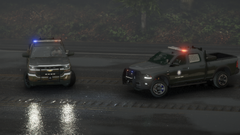
From the album: Texas Game Warden [WIP]
-
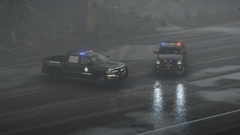
From the album: Texas Game Warden [WIP]
-
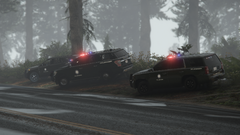
From the album: Texas Game Warden [WIP]
-
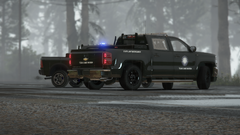
From the album: Texas Game Warden [WIP]
-
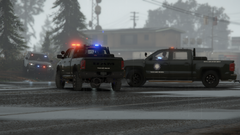
From the album: Texas Game Warden [WIP]
-
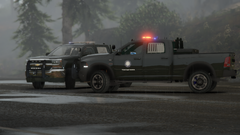
From the album: Texas Game Warden [WIP]
-
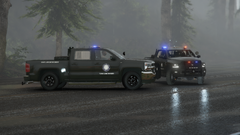
From the album: Texas Game Warden [WIP]
-
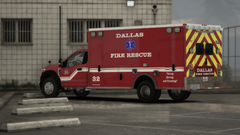
From the album: Dallas Fire Rescue [WIP]
-
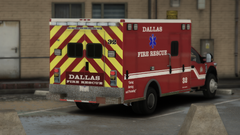
From the album: Dallas Fire Rescue [WIP]
-
-
-
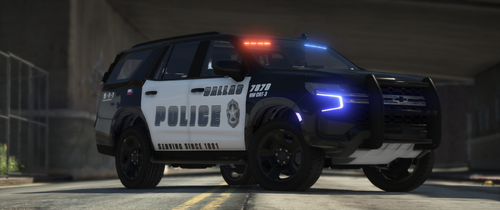 I can make an outline and I’ll see about the color. Thanks man this really helps
- 51 comments
- 4 reviews
-
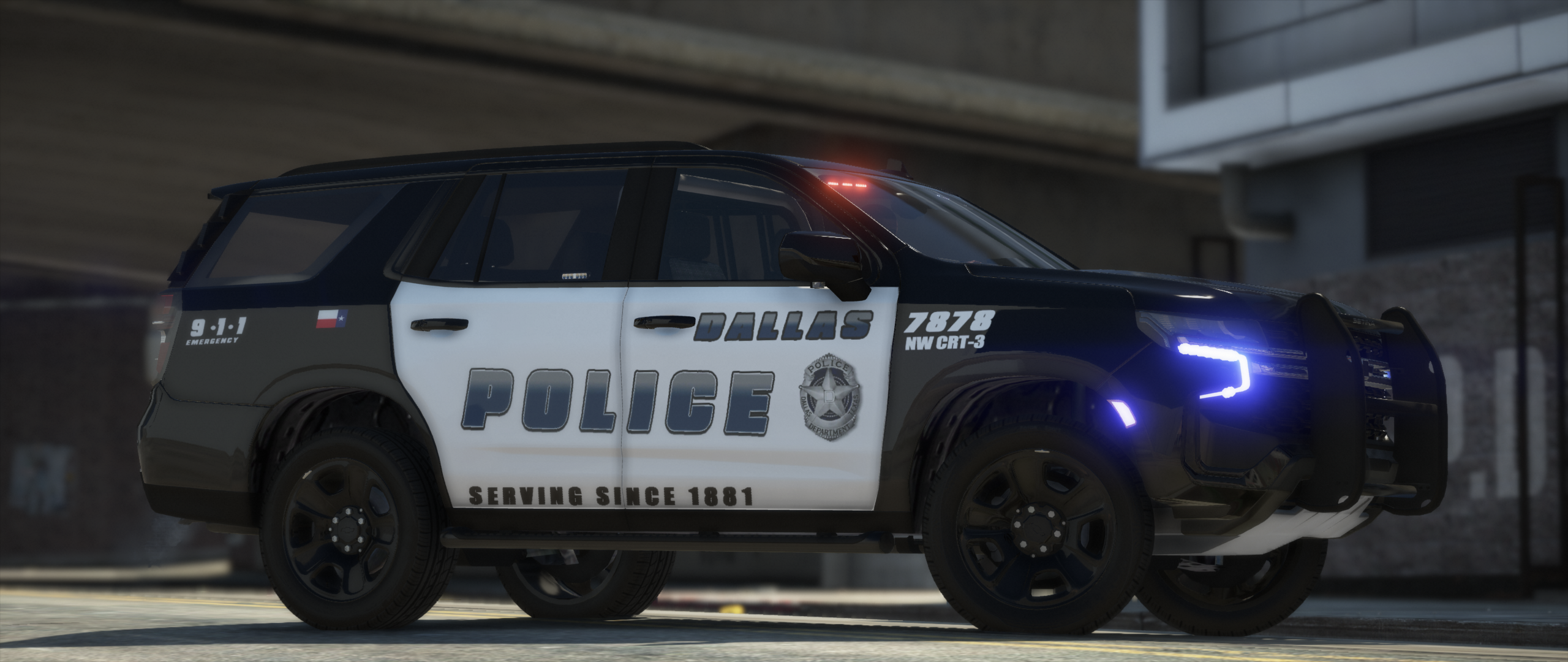
I could not find the logo during my Google search, only on the pictures of the Bearcats, and taking the logo from a picture doesn’t really look good on textures. If you could find one, I can put it in. I also couldn’t find the Explosive Ordinance Unit logo and I want to make that one as well. I have a Nvidia GeForce 1080ti and that software let’s you take snapshots by pressing Alt + F1. And I use the in game camera phone to zoom in and then I’ll take the shot. I just recently started using the Rockstar Editor to take them(Bearcat, Tahoe K9, Command Centers) and they look sooo much better using that. Using the Steam snapshot(F12) is shit
- 51 comments
- 4 reviews
-
-

- 1
-
-
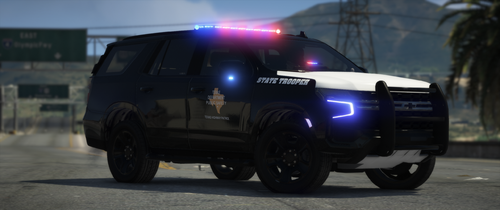 It looks that way because it's a glossy paint job and it's reflecting the ground. All textures/cars are black.
- 32 comments
- 3 reviews
-
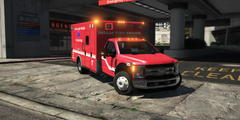
From the album: Dallas Fire Rescue [WIP]
-
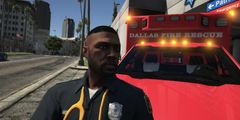
From the album: Dallas Fire Rescue [WIP]
-
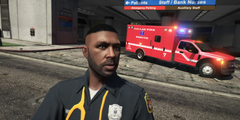
From the album: Dallas Fire Rescue [WIP]
-
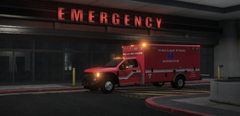
From the album: Dallas Fire Rescue [WIP]
-
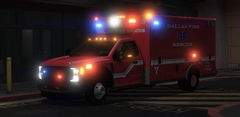
From the album: Dallas Fire Rescue [WIP]
-
-
Thank you! And a DPS pack with the newer cars! That graphic the Sheriff cars have is very difficult to duplicate so that’s why I haven’t made it yet but it’ll come soon. The sheriff is badass There’s no charge but us modders do accept OPTIONAL donations. Thank you for that! I’ll keep making them!
- 32 comments
- 3 reviews
-
-
- 1
-
-
Thank you! I haven’t seen a truck in person, but only truck I found from DPS was a lifted Ford Super Duty(recruitment vehicle) but I can make those trucks. I think my next pack will be the Texas Game Warden and those trucks will definitely be added to that and maybe the Dallas Marshal pack
- 32 comments
- 3 reviews

