.jpg.15264ba7bb3d2417798689a3d1d24f47.jpg)

iluxa
Members
-
Joined
-
Last visited
Everything posted by iluxa
-
This one? RagePluginHook.log
-
Hello, of course! Sorry for the long reply RagePluginHook_11052025_192232.log
-
There was a problem. RPH crashes at the moment of launching GTA V. A window pops up that a crash report is generated (and it lasts indefinitely). Tell me what to do. Ready to provide logs/crash reports at your request, but I need to know where to find them. It happened after reinstalling Ultimate Backup, I reinstalled it because I corrupted the .ini files of this plugin, but it doesn't matter.
-
Oh, and now where to find the new version of RPH?
-
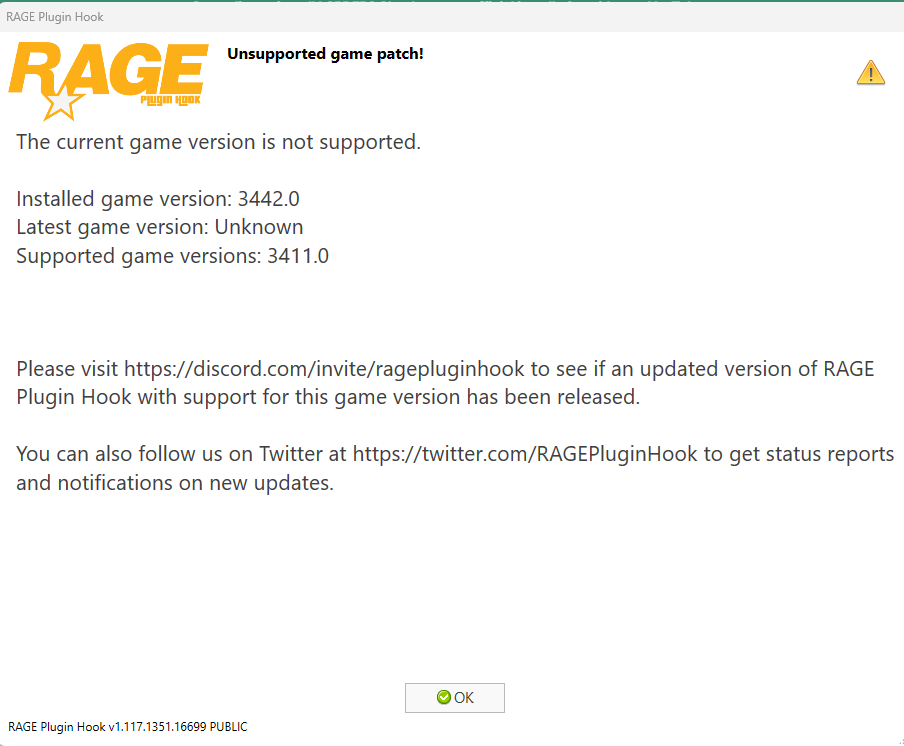
As far as I understand, a new update for GTA 5 (3442.0) has just been released (about an hour ago), and now RPH refuses to work and says that this version of the game is not compatible with it. What to do? RPH will update itself after some time? Or do I need to download a new one from somewhere?
-
Every time I call for reinforcements via Ultimate Backup, after the call is over, they don't leave and continue to follow me around. I can of course walk up to each one, press ‘U’ to let them go, but when there are a lot of them it takes a long time. Is there a button to release them all? And the callout is already completed, that is, they just follow me, and if I leave they will spawn near me every time(.
-
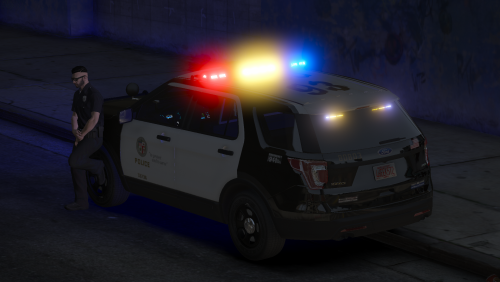 Как мне добавить это в свою игру?
 -
Thank you, everything works!
-
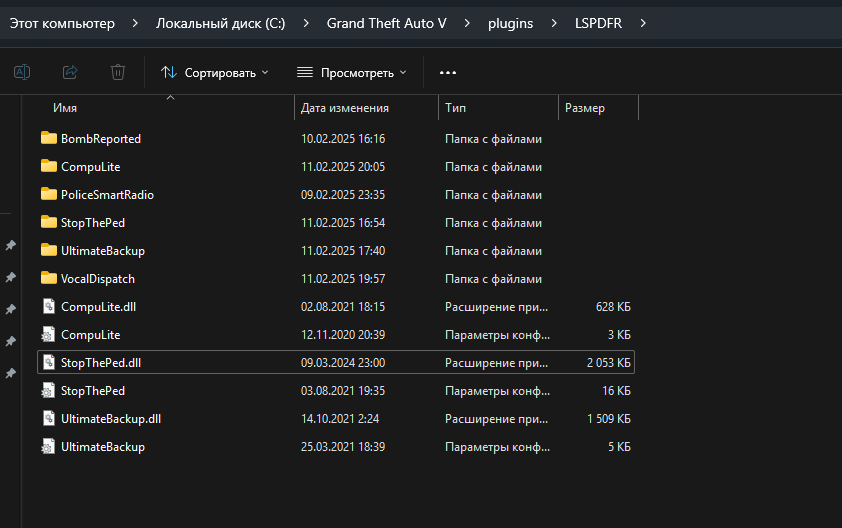
I downloaded Ultimate Backup as well as all the required mods for it (NativeUI, Stop the ped, CompuLite) but when starting the game I almost immediately crashes the game. I attach a screenshot of all installed plugins and their location in the directory.
-
Thank you very much, it works, however I have not found any information about partners in this mod.
-
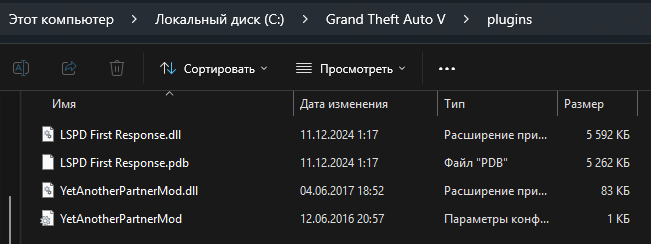
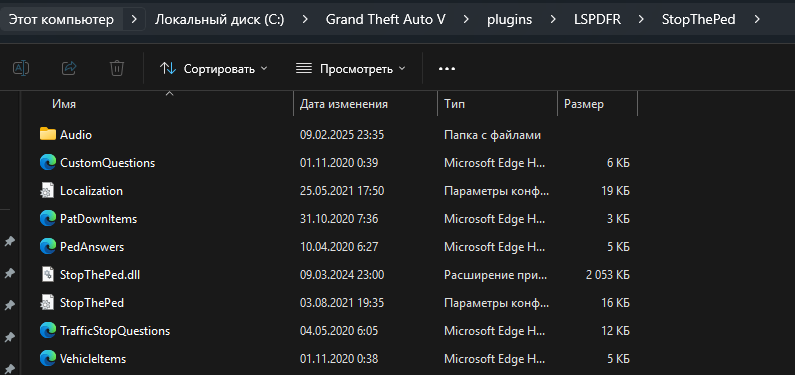
Here is its full path (see screenshot). The game starts, does not crash, but the mod itself does not work(
-
Lol, I installed Stop The Ped and it has exactly the same problem((((
-
Thank you very much!
-
output(compress-video-online.com).mp4 Hello. I wanted to install the YetAnotherPartnerMod plugin. I downloaded it, threw it into the Plugins folder in GTA 5, where the LSPDFR plugin is located. But when I load the plugin through the console, there is such an error (see video). What to do? And more - some said that I can not run this plugin in the console, and I just need to restart the game completely and it will load itself. But it doesn't!!! I looked at the configuration file (.ini), it says to press NumPad0. I press it, but nothing happens. Apparently my plugin is not loaded. Help please( P.S. I'm new here and I'm using a translator😀 P.S.2: Please feel free to ask me clarifying questions, ask me to send any screenshots. I will be happy to answer!