RedPhoenixKatherine
Members
-
Joined
-
Last visited
Everything posted by RedPhoenixKatherine
-
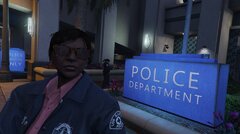
From the album: Fleur on Patrol
-
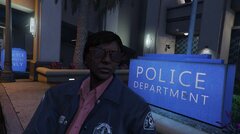
From the album: Fleur on Patrol
-
 Really fantastic work my friend!
 -
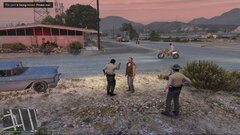
From the album: Fleur on Patrol
-
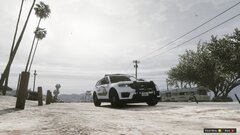
From the album: Fleur on Patrol
-
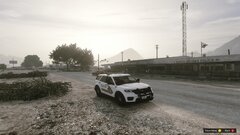
From the album: Fleur on Patrol
-
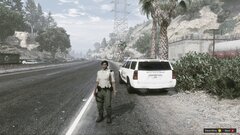
From the album: Fleur on Patrol
-
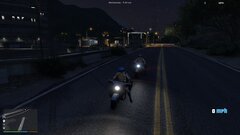
From the album: Fleur on Patrol
-
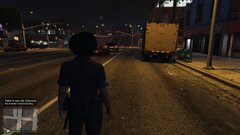
From the album: Fleur on Patrol
-
Thank you very much
-
Sorry, here's the correct one RagePluginHook.log
-
As the title says when I go on duty (both at a station and using the console) an exception occurs and any mod that hasn't loaded yet alert says its loaded but when you try to use it nothing happens. When the game loads with me already on duty there is no issue. So two questions: 1 Can someone help me fix this issue and 2 Is there a way to force lspdfr to always load with me on duty. I looked in the M menu settings and that only handles spawn locations and which character to use. Thank you in advance RagePluginHook_09092024_124135.log
-
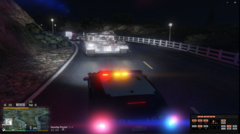 Bad day on patrol running across a tank!
 -
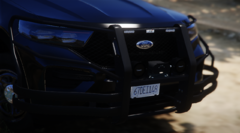 Great shots, I especially love the Jeep Wagoneer - absolute beast
 -
-
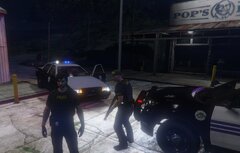 Great to see lore friendly shots! I love to play lore friedly too
 -
-
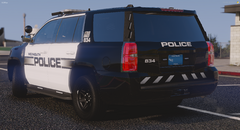 Amazing work, they look great
 -
-
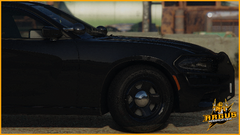 Awesome cars
 -
-
Yes I installed the advanced hook. ELS loads I can use scroll lock to lock ELS keys but get no lights or siren
-
I've recently installed ELS and have a problem. When in an ELS vehicle I can activate the siren with the J key but the lights I just cant get working. I've tried it on two different cars (will try another after posting this) and two different trainers to spawn the car just in case there was an issue with the car or trainer Any help will be gratefully received Edit: After trying on multiple vehicles I believe the cars that the siren works on is the default siren as every other car I've tried does nothing Edit 2: I tried uninstalling then reinstalling asi loader and rebooting my PC, didn't help Edit 3: After a deep dive into the forums I tried this: Open OpenIV Uninstall the ASI loader Close OpenIV open OpenIV again Install the ASI loader Close Open IV Restart the computer. unfortunately that didn't help either, I'm really at a loss AdvancedHookV.log asiloader.log ELS.log ScriptHookV.log