RedPhoenixKatherine
Members
-
Joined
-
Last visited
Everything posted by RedPhoenixKatherine
-
Thank you very much!
-
 did you install either EUP Basic Configurations or EUP Ultimate Edition? These add custom agencies with EUP pre configured and have the badges already set.
- 23 comments
- 2 reviews
-
I'm working on the xml files trying to add a custom agency. The agency I'm trying to do is the San Andreas State Parks. Would someone who knows what they are doing (I'm learning as I explore) check my entry and tell me if I have it correct and if I've made mistakes can you explain what I did wrong and how to fix it. It'd also be amazing if I could be pointed to any recourses about EUP so I can learn more. Any help gratefully received thank you
-
For calls in interiors you'll need the Open All Interiors mod you can get it Here. Interiors are locked without it Hope this helps
-
So I had a thought, Rockstar launcher runs in administrator mode maybe that’s what’s causing my issues. I didn’t want to reduce its privileges because knowing Rockstar that’d mess things up more. So I gave RPH administrator privileges and it worked. It launched the game quick and hooked in straight away and loaded LSPDFR without issue. Now I just have the fun of re-modding the game but that whilst time consuming is fun. I’m looking forward to getting back on patrol and I’m going to try setting up custom agencies (Rockford Hills PD, Del Perro PD and USAF PD) and see what I can do Thanking you all for the support I know I would have received if I hadn’t managed to fix it myself.
-
Now that RPH and Scripthook are updated I decided to go ahead with the update and install the latest LSPDFR release. Hoping to avoid problems I decided to do a fresh install of GTA and LSPDFR. SO with both installed I launched RPH it loaded as usual but then as Rockstar launcher is now taking sooo long to launch the game the status message changed to "This is taking longer than normal". GTA launches and RPH does nothing, it just sits there as if the game isn't running. So I jump on the googles and find a post here and follow the steps there, so I launch the game and load into story mode. I then click RPH, it opens, then tries to launch the game and eventually sits there like this: This was with Rockstar launcher running as an administrator. I'm defeated, I've done more googling, searched the forums and nothing. I still get this message above whether I try launch the game via RPH or if I try to hook into a running game it doesn't detect the game and tries to launch it. Eventually leading back to the screen shot whichever route I try Ill be extremely grateful for any help Thank you No RPH log was generated but I've included the logs that where created ScriptHookV.log openCameraV.log OpenIV.log
-
I managed to work it out, thank you. I posted in the forums how I did it hopefully that's ok and it'll help someone else out.
-
So to try get my LSPDFR working I reverted to previous version of the game. Everything starts as usual, I get the steam prompt, click ok. Then the Rockstar launcher pops up and I get this message: I know how to validate my steam files but if I do that I assume it'll put my game back to the update. Is there anyway round this or will I just have to wait it out? I only just reinstalled everything today as a mod broke my game. Thanks for all the hard work you all put into bringing us this excellent mod, only very new but am sure I'm here for the long haul.
-
I found the error, I'll leave this post up in case it helps someone else In this line I did the end tag wrong (I copy and paste so how I did this I don't know lol) <Item>dlcpacks:/sahp_JusMe/<Item> It should be <Item>dlcpacks:/sahp_JusMe/</Item> Hope this helps anyone who's in a similar spot and thanks to everyone who has helped me
-
Hi I've been adding dlc packs and of course editing the dlclist.xml file. When I click save I'm getting an xml error stating the end tag <\paths> doesn't match the opening tag <Item>. However this makes no sense to me as the </paths> tag is closing the <paths> opening tag, right? Have I made a mistake? Begging of my dlclist.xml <SMandatoryPacksData> <Paths> <Item>platform:/dlcPacks/mpBeach/</Item> End of my dlclist.xml <Item>dlcpacks:/domc/</Item> </Paths> Did i make a mistake and just cant see it? Or is Open IV being weird and i should carry o and ignore it? I've also attached my complete dlclist.xml Any help will be gratefully received dlclist.xml
-
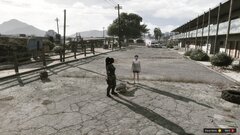
From the album: Fleur on Patrol
-
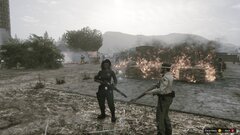
From the album: Fleur on Patrol
-
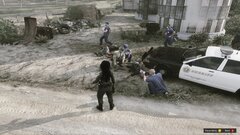
From the album: Fleur on Patrol
-
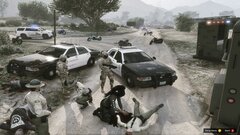
From the album: Fleur on Patrol
-
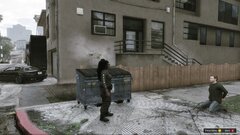
From the album: Fleur on Patrol
-
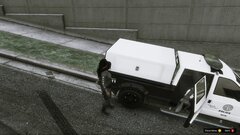
From the album: Fleur on Patrol
-
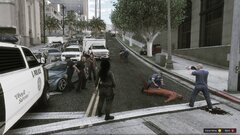
From the album: Fleur on Patrol
-
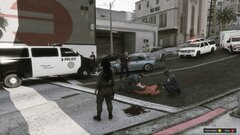
From the album: Fleur on Patrol
-
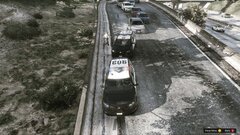
From the album: Fleur on Patrol
-
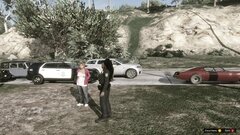
From the album: Fleur on Patrol
-
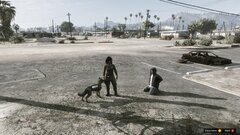
From the album: Fleur on Patrol
-
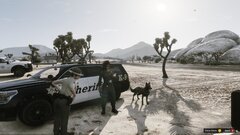
From the album: Fleur on Patrol
-
From the album: Fleur on Patrol
-
From the album: Fleur on Patrol
-
From the album: Fleur on Patrol