Njfutbol
Members
-
Joined
-
Last visited
Everything posted by Njfutbol
-
So i just clicked on force duty and it says lspd first response.dll has crashed and heres my log:RagePluginHook.log
-
Download Heap.adjuster and packfile.adjuster lastly game.config
-
So when i joined and spawned my car and when i got a callout i wanted to click j 3 time to get my lights and sirens but it didnet work so i accidentally clicked on e and the lights,sirens just turned on. but not all of my lights only the back one so i need help.
-
so when i install the euplo8.3 oi on openiv and i click on install in mods folder and i click on verify installation. and then it just says The installation failed heres my installation log
-
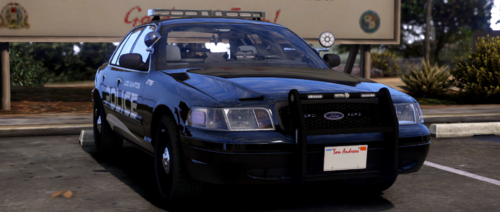 Wait can someone help me with download cause i never downloaded a vehicle.