
Mr. Larp
Members
-
Joined
-
Last visited
Reputation Activity
-
 Mr. Larp reacted to TrentMU in Your best LSPDFR 0.4 screenshots?
 -
Mr. Larp reacted to Eastsiderellie89 in Your best LSPDFR 0.4 screenshots?here is mines
-
Mr. Larp reacted to Lapd Code 3 in Your best LSPDFR 0.4 screenshots?
-
Mr. Larp reacted to TrentMU in Your best LSPDFR 0.4 screenshots?
-
Mr. Larp reacted to TimetoDine in Your best LSPDFR 0.4 screenshots?Old pic from pre LE days with the LSANG
-
Mr. Larp reacted to Lapd Code 3 in Your best LSPDFR 0.4 screenshots?.
-
Mr. Larp reacted to Lapd Code 3 in Your best LSPDFR 0.4 screenshots?
-
Mr. Larp reacted to Zeca in Your best LSPDFR 0.4 screenshots?
-
Mr. Larp reacted to voltero in Your best LSPDFR 0.4 screenshots?
-
Mr. Larp reacted to Lapd Code 3 in Your best LSPDFR 0.4 screenshots?
-
Mr. Larp reacted to voltero in Your best LSPDFR 0.4 screenshots?back to LSPDFR after long years
-
Mr. Larp reacted to philmcracken519 in Your best LSPDFR 0.4 screenshots?Los Santos PD not letting anyone get out of hand in these streets
-
Mr. Larp reacted to Lapd Code 3 in Your best LSPDFR 0.4 screenshots?
-
Mr. Larp reacted to Officer Here in Your best LSPDFR 0.4 screenshots?
-
Mr. Larp got a reaction from Off. james in Your best LSPDFR 0.4 screenshots?AS332 L1 Super Puma - Los Angeles County Sheriff's Department
Rescue 5 (Malibu S&R)
-
Mr. Larp reacted to CR7 Modding in CR7 Modding Media
-
 Mr. Larp reacted to CR7 Modding in CR7 Modding Media
 -
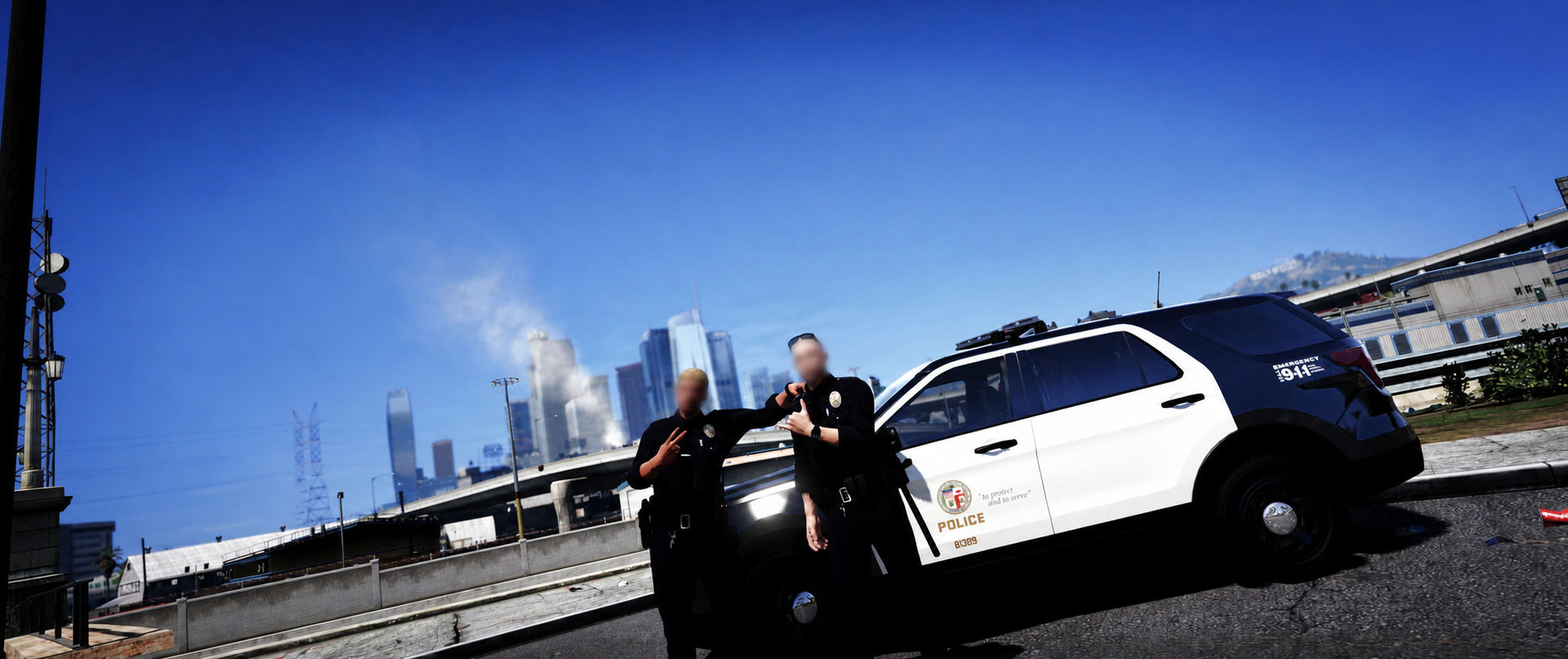
Mr. Larp got a reaction from GTA 5 Jedi Master in Your best LSPDFR 0.4 screenshots?LAPD Southeast Patrol Officers....
-
Mr. Larp reacted to CR7 Modding in CR7 Modding Media
-
Mr. Larp reacted to CR7 Modding in CR7 Modding Media
-
 Mr. Larp got a reaction from Officer Here in Your best LSPDFR 0.4 screenshots?LAPD Southeast Patrol Officers....
-
Mr. Larp reacted to Lapd Code 3 in Your best LSPDFR 0.4 screenshots?
-
Mr. Larp reacted to CR7 Modding in CR7 Modding Media
-
This shows the moment LAPD officer "Jack Coolers" was killed by an explosion that happened at a regular traffic stop during the day at 11:25. Police believe it was a terrorist attack and that the suspect wanted to be pulled over to initiate the suicide mission bomb on a police officer.
-
Mr. Larp reacted to CR7 Modding in CR7 Modding Media