
Skylar1207
-
Joined
-
Last visited
Everything posted by Skylar1207
-
From the album: Skylar's Mega Pack [BCSD & LSPD]
-
From the album: Skylar's Mega Pack [BCSD & LSPD]
-
From the album: Skylar's Mega Pack [BCSD & LSPD]
-
From the album: Skylar's Mega Pack [BCSD & LSPD]
-
From the album: Skylar's Mega Pack [BCSD & LSPD]
-
From the album: Skylar's Mega Pack [BCSD & LSPD]
-
From the album: Skylar's Mega Pack [BCSD & LSPD]
-
From the album: Skylar's Mega Pack [BCSD & LSPD]
-
From the album: Skylar's Mega Pack [BCSD & LSPD]
-
From the album: Skylar's Mega Pack [BCSD & LSPD]
-
From the album: Skylar's Mega Pack [BCSD & LSPD]
-
From the album: Skylar's Mega Pack [BCSD & LSPD]
-
From the album: Skylar's Mega Pack [BCSD & LSPD]
-
From the album: Skylar's Mega Pack [BCSD & LSPD]
-
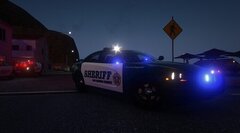
From the album: Skylar's Mega Pack [BCSD & LSPD]
-
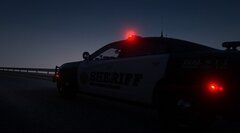
From the album: Skylar's Mega Pack [BCSD & LSPD]
-
This is also the case if you have any OpenIV asi's installed
-
shits fucked rn bruh
-
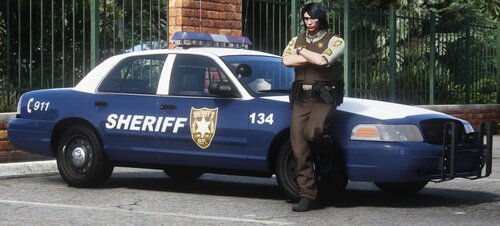 @Katieshelby15
 -
Would it shock you to know that was the plan for this pack?
-
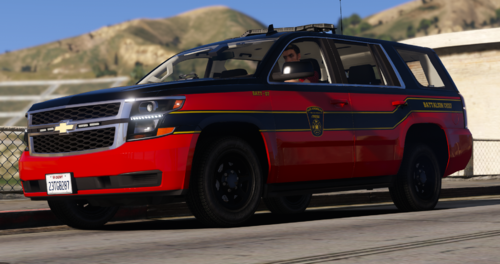 Can i use this in an NYSP pack
 -
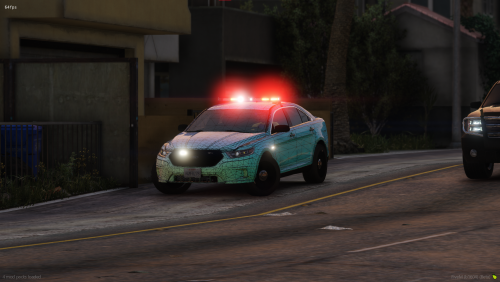 Can i use this in an NYSP pack?
 -
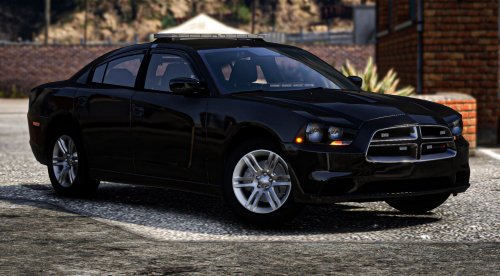 Can i use this in an NYSP pack?
 -
i can get to work getting one made for you, just hit me up on Discord here https://discord.gg/zfW63ykuUn Head to the actual SkylarDesigns category and make a request, it'll be done as soon as I can ❤️
-
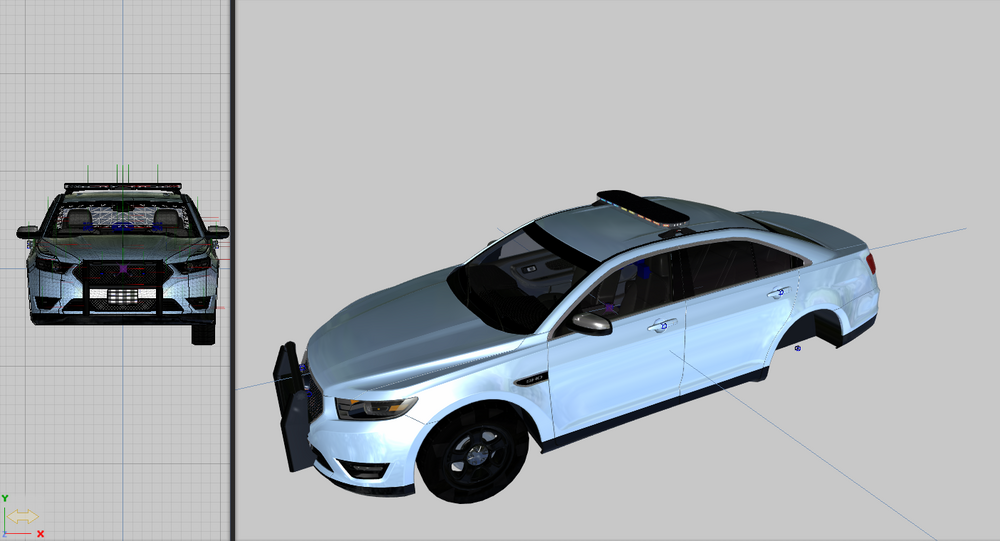
I possess an uncracked and fully working variant of ZM3 and have been working on liveries and changing around metas for over a year now, I'm dipping my toes into conversions and I'm wondering if anyone knows how to ensure I can convert a civilian vehicle such as [DEV] 2016 Blah Blah Blah into a vehicle which has working lights, is there anything in the meta files I am missing as once I complete my alterations to the vehicle, adding lights and such I would like to know how to specifically ensure the lights, siren, etc. function... my current project is an undercover Vivanite which I'm nearly done adding lights too. I also am aware of how to template vehicles but am still trying to determine the best manner in which to make the liveries able to be changed, {is there some yes/no or true/false in the metas to be switched}. Attached is a ZM3 I'm working on which is still saying its a civilian vehicle and as a result lights and sirens wont activate.