
TTS Vehicle Skins
Members
-
Joined
-
Last visited
Everything posted by TTS Vehicle Skins
-
When i go to the website it says the latest version is 3323. (SCRIPTHOOK V) Can you provide a link?
-
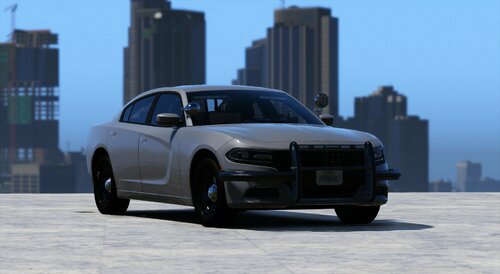 Hands down the best car I have ever used. I use the realistic handling and she rips. Love it, thanks for the great mods. I have the 14 charger, 18 charger (This one) and the 23 ram. Love them all. I love that you have an option for realistic handling. Thank you