




CEO
-
Joined
Everything posted by CEO
-
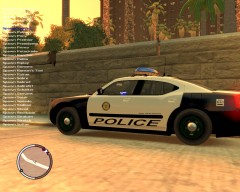
From the album: san andreas police forces for gta iv, skins by me
-
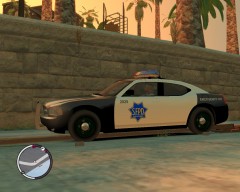
From the album: san andreas police forces for gta iv, skins by me
-
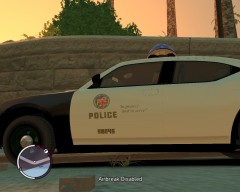
From the album: san andreas police forces for gta iv, skins by me
-
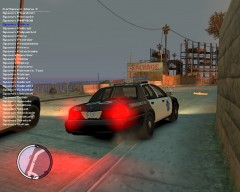
From the album: san andreas police forces for gta iv, skins by me
-
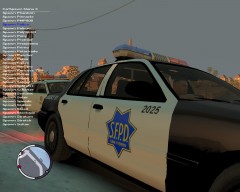
From the album: san andreas police forces for gta iv, skins by me
-
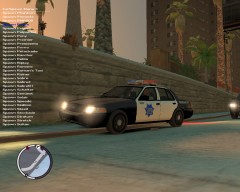
From the album: san andreas police forces for gta iv, skins by me
-
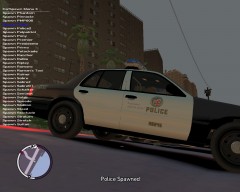
From the album: san andreas police forces for gta iv, skins by me
-
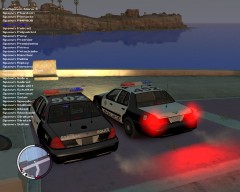
From the album: san andreas police forces for gta iv, skins by me
-
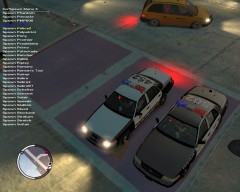
From the album: san andreas police forces for gta iv, skins by me
-
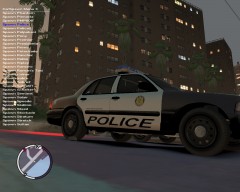
From the album: san andreas police forces for gta iv, skins by me
-
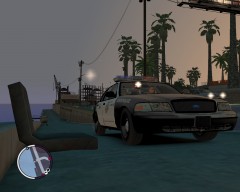
From the album: san andreas police forces for gta iv, skins by me
-
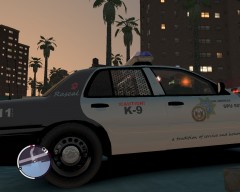
From the album: san andreas police forces for gta iv, skins by me
-
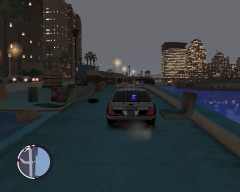
From the album: san andreas police forces for gta iv, skins by me
-
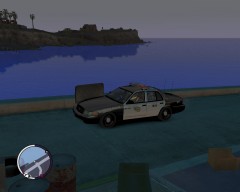
From the album: san andreas police forces for gta iv, skins by me
-
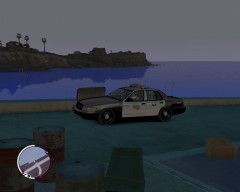
From the album: san andreas police forces for gta iv, skins by me
-
or just swim to happiness island and press ~ and type "spawn police"or"spawn police2" and drive to the suspects=)
-
Hay, i have downloaded lcpdfr version 0,91, it worked for days (i used dsound loader) but yesterday it just stopt working?!? i installed lcpdfr again with xlivless and dsound. but now eflc isn't working at all?!? can someone please help me thanx.
-
Here I will show you all of my New York photos
-
Here I will show you all of my New York photos
-
-

