SwirlGaming823
Members
-
Joined
-
Last visited
Everything posted by SwirlGaming823
-
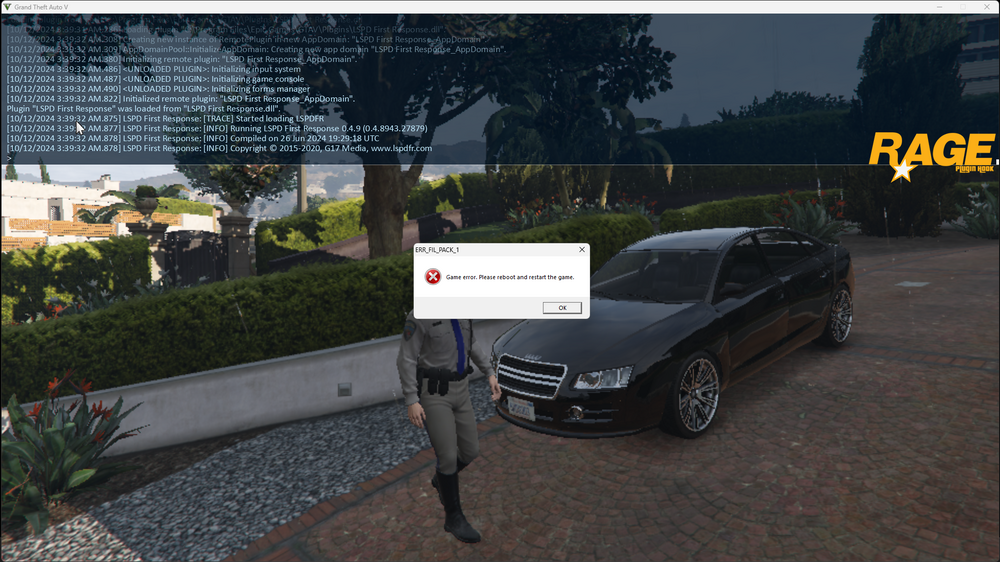
It crashes RIGHT when I load LSPDFR. I have RDE, LSPDFR and EUP (L&O, S&R) installed.
-
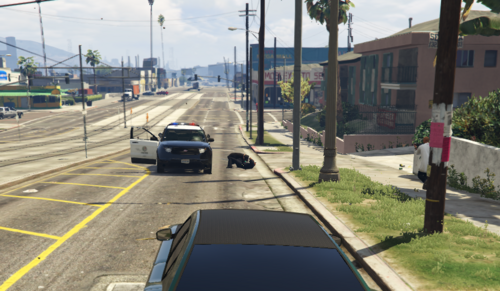 This modified .dat file is actually very simple: - COP relationship has been changed to HATE every gang instead of DISRESPECT, meaning they will engage in combat on sight. - AMBIENT_GANG_LOST, AMBIENT_GANG_MEXICAN, AMBIENT_GANG_FAMILY, AMBIENT_GANG_BALLAS, AMBIENT_GANG_MARABUNTE, AMBIENT_GANG_CULT, AMBIENT_GANG_SALVA, AMBIENT_GANG_WEICHENG and AMBIENT_GANG_HILLBILLY has been changed to HATE every gang instead of DISRESPECT, meaning they will engage in combat on sight. - PLAYER relationship has been changed to RESPECT PLAYER instead of LIKE. - CIVMALE and CIVFEMALE has been changed to LIKE MEDIC, FIREMAN, COP, ARMY and SECURITY_GUARD. Thank you 7up for the base for this modification!
 -
You probably don't need this anymore, but you can try with this.