


AstrooPlanet
Members
-
Joined
-
Last visited
Everything posted by AstrooPlanet
-
Whenever I try to do the forceduty command or reloadallplugins, it just kicks me out of the game without any message saying why. I don't know if it's a plugin I installed or what, but anyways here is my RPH logs. RagePluginHook.log
-
Never mind I think it was something wrong with the keybinds or something, but anyways, it works now thanks to all of y'all for helping wish the best of luck to y'all!
-
Here it is. RagePluginHook.log
-
I had went to sleep my bad, but now my game just crashes, whenever I do the reloadallplugins command it just automatically kicks me out of my game.
-
Alright I did everything, sorry it took so long!
-
didn't mean to edit to the message mb
-
Sorry to bug you @OfficerHotStuff21, but is this the vehicle search you would want me to add?
-
Ok thanks man! @Carbophile
-
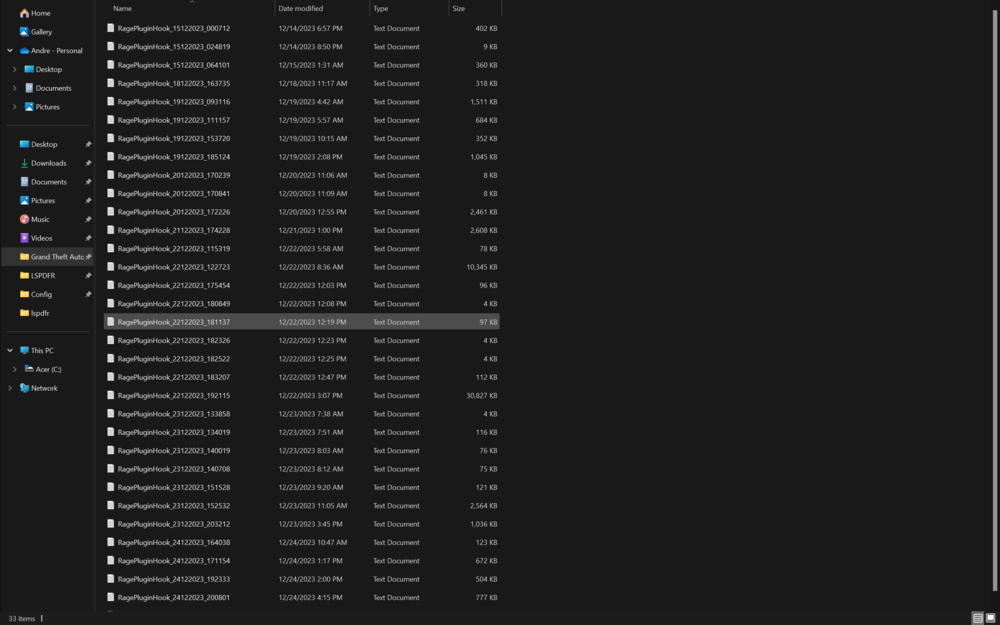
RagePluginHook.log this it?
-
-
I don't know if I'm the only one having this issue but I downloaded the latest stop the ped and coumplite but they both just don't work, whenever I get on a traffic stop my stop the ped does not work yes the default one pops up but that's not the one I want, and for Compulite it just doesn't work in general, I looked at like 3 videos and followed all steps and it just didn't work. It has been like this for a couple of days and I don't know what to do. Can anyone help?

